




What Is the Only Allow Reset Password Email feature?
WooCommerce’s standard customer reset password email is the one email that should never be disabled, because customers need a way to recover their accounts. The Only Allow Reset Password Email feature ensures this email is the only one that gets through, even when other WooCommerce emails are suppressed.
This is most useful in combination with the Disable WooCommerce Emails feature. The Disable feature suppresses all emails; the Only Allow feature re-enables the one email that’s critical for account access.
The two features can also be used independently: this feature alone ensures the password reset email is the only one sent, even without the broader disable.
Why You Need It
In some environments, transactional emails are not desired at all, but account recovery is non-negotiable:
- Internal tools: Sites where the customer account exists only to track orders; no email communication is needed
- Headless commerce: The frontend handles all customer communication; WooCommerce is the backend, and the only customer-facing email is the password reset
- Test environments: Developers don’t want test orders to spam real customers, but they need the password reset to work for their own admin access
- Compliance: Some industries (finance, healthcare) require all transactional email to be suppressed, but account recovery is a legal requirement
The feature ensures that even with all other emails off, the customer (or admin) can still recover their password.
How to Use Only Allow Reset Password Email in Classic Monks
Step 1: Navigate to Settings
Click into the Classic Monks plugin settings in your WordPress dashboard.
Step 2: Go to the Email Tab
Click on the Email menu, then click the WooCommerce subtab.
Step 3: Enable Only Allow Reset Password Email
Toggle on Only Allow Reset Password Email.
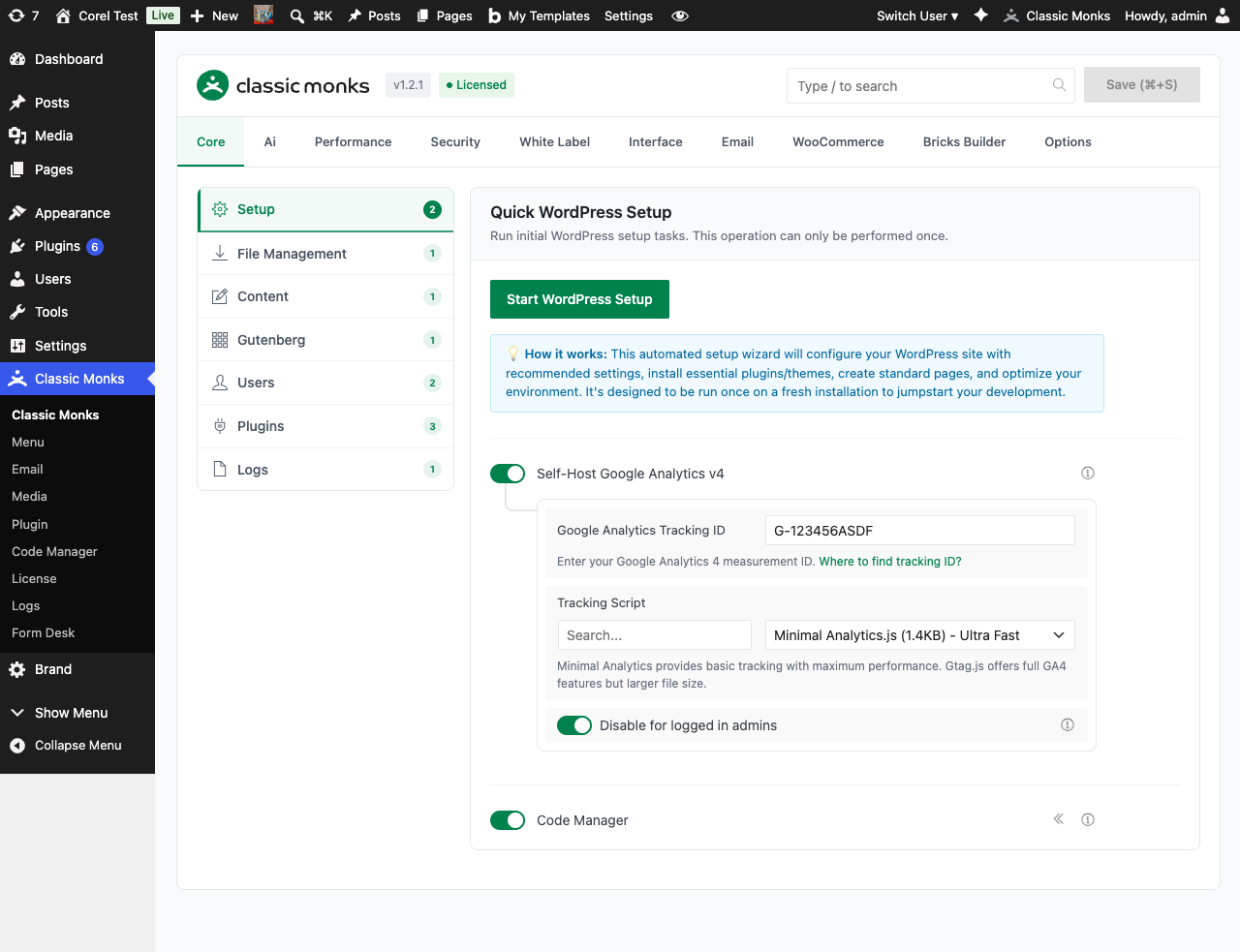
Step 4: Save Changes
Click Save Changes.
Step 5: Test
Log out. Click “Lost your password?” on the login screen. Enter the email of a test user. The reset password email is sent. No other WooCommerce email is sent (assuming Disable WooCommerce Emails is also on).
Configuration Options
| Option | Description | Default |
|---|---|---|
| Only Allow Reset Password Email | Master toggle. | Off |
No nested options.
What Gets Suppressed and What Doesn’t
| Sent when feature off | Sent when feature on | |
|---|---|---|
| Order confirmation (customer) | Yes | No |
| Processing order (customer) | Yes | No |
| Completed order (customer) | Yes | No |
| Refunded order (customer) | Yes | No |
| Cancelled order (customer) | Yes | No |
| Failed order (customer) | Yes | No |
| New order (admin) | Yes | No |
| Low stock (admin) | Yes | No |
| Out of stock (admin) | Yes | No |
| Customer note (customer) | Yes | No |
| Customer reset password | Yes | Yes (always) |
The reset password email is ALWAYS sent, regardless of the toggle. The toggle controls whether everything else is suppressed.
What Does NOT Get Affected
- WordPress core password reset email: The WordPress core password reset (for admin users) is a separate flow. Use the Disable Password Change Email feature to suppress the confirmation email for admin password changes.
- Other plugin password reset emails: Custom plugins may have their own password reset flows. The Classic Monks feature only affects WooCommerce’s specific email.
- WordPress core user emails: New user emails, etc. are controlled by separate features in the Notifications subtab.
Advanced Options (Developers)
This feature registers 3 WordPress hooks in disable-woocommerce-emails.php:
Actions:
plugins_loadedcallscm_maybe_disable_woocommerce_emails()(Conditionally disables WooCommerce emails)
Filters:
woocommerce_email_classescallscm_disable_woocommerce_emails()(Removes selected WooCommerce email classes (priority 90))woocommerce_email_classescallsapply_filters()(Customizable filter)
// Hooked in disable-woocommerce-emails.php
add_action( 'plugins_loaded', 'cm_maybe_disable_woocommerce_emails' );
The feature modifies WordPress behavior by registering or removing hooks. Disabling it reverses those changes.
Troubleshooting
The reset password email is also being suppressed
Cause: The reset password email is ALWAYS sent, even with the feature off (the feature’s purpose is to allow it through, not block it). If it’s not being sent, a different issue is at play.
Fix: Verify the email is configured correctly (check SMTP Settings). Test the password reset flow with a real email. Check WooCommerce > Settings > Emails to ensure customer reset password is enabled.
I want to disable the reset password email too
Cause: This feature exists specifically to allow the reset password email through. If you want to disable it, you need a different approach.
Fix: Disable the toggle to stop restricting emails to reset password only. Or implement a custom plugin that filters retrieve_password_message to suppress the email.
The customer reset password is sent but never arrives
Cause: The email is sent but goes to spam, or the recipient’s address is invalid.
Fix: Check the spam folder. Verify the recipient’s email address. Check that your SMTP settings are configured for high deliverability.
I have other password reset flows I want to keep
Cause: The feature only affects WooCommerce’s customer reset password. Other password reset flows (WordPress core, custom plugins) are independent.
Fix: For other flows, you need to disable them via their own mechanisms. The Classic Monks feature is WooCommerce-specific.
I want to add a “no transactional email” footer to the reset password
Cause: The reset password is the only email the customer gets, so it should set expectations.
Fix: Customize the email body via the woocommerce_email_body_customer_reset_password filter to add a footer explaining that other transactional emails are disabled and the customer should contact the site admin for other inquiries.