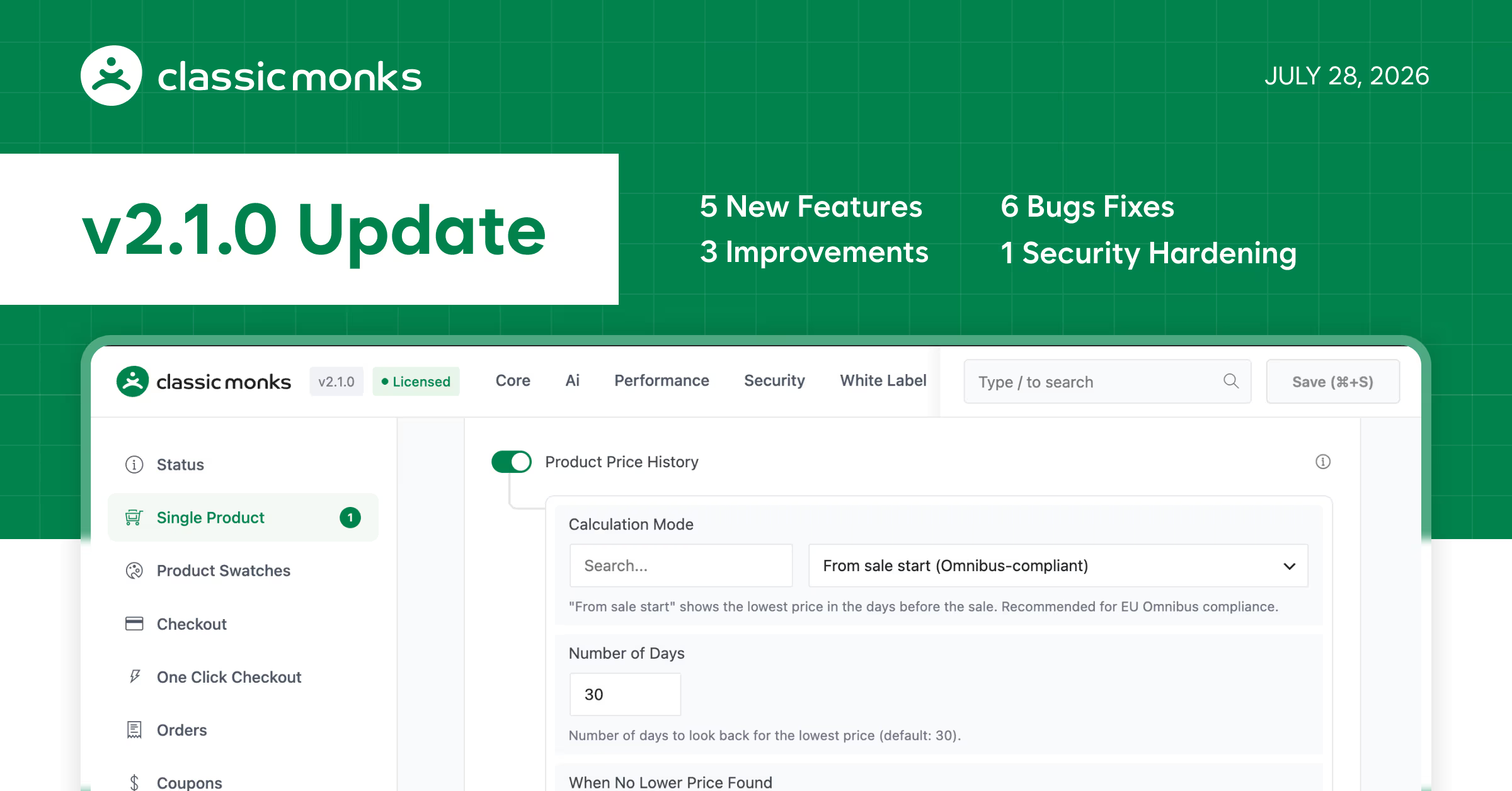
15 changes this release. 5 new features. 6 bug fixes. 3 enhancements. 1 security hardening update.
This is a major release. The headline: WooCommerce Product Price History Tracker lets you track historical pricing data for products directly inside the plugin. We also added media native format detection with watermark backup synchronization, image watermark bulk actions, separated external link nofollow and open-in-new-tab controls, and a White Label option to hide the lost password link on the login page.
On the improvements side: the debug log viewer got search and filtering with a redesigned interface, browser alert popups throughout the admin have been replaced with styled in-page toast notifications and confirmation dialogs, and those dialogs are now fully keyboard-navigable with proper focus management.
Security: the plugin now respects DISALLOW_FILE_MODS and DISALLOW_FILE_EDIT when defined in wp-config.php. Security tab toggles and Code Manager operations that depend on file modifications are locked and show clear notices instead of silently failing.
Tested up to
WordPress Version: 7.0.2
WooCommerce Version: 10.9.4
Bricks Builder Version: 2.3.10
WooCommerce
Product Price History Tracker
Track historical pricing data for WooCommerce products directly within the plugin, giving you a record of price changes over time.
Media & Watermarks
Native Format Detection
The Media Manager now detects and displays the original format of uploaded files.
Backup Synchronization
Watermark backups stay in sync when media files are renamed, so your backup copies always match the current filename.
Image Watermark Bulk Action
Watermark multiple attachments at once directly from the media list using the built-in bulk action menu.
White Label
Hide Lost Password Link
Hide the “Lost your password?” link on the login page for a cleaner, branded login experience.
Links & SEO
External Link Options Separated
The nofollow and open-in-new-tab settings for external links are now independent controls, letting you apply one without the other.
Admin Experience
Debug Log Viewer
Search and filter log entries with a redesigned interface, making it faster to find what you need.
Confirmation Dialogs
Browser alert popups throughout the admin have been replaced with styled in-page toast notifications and confirmation dialogs.
Confirmation Dialog Accessibility
Alert buttons receive visible focus styles, and inputs and buttons gain sensible default focus on open, making dialogs fully keyboard-navigable.
Fixes
- Multi-Checkbox Settings Crash: Checkbox fields with multiple selections no longer trigger a server error when saving plugin settings.
- Folder Manager Item Moving: Dragging items between folders now works correctly across multiple open folders without disappearing or placing items in the wrong location.
- Menu Manager Sub-Tab Duplication: Redundant sub-tabs that previously appeared in the Menu Manager have been removed.
- Email Logging Filter: Email logging results now filter accurately, and the log table layout has been tidied up.
- Menu Manager Separator and Spacer Persistence: New separators and spacers added to the admin menu layout no longer vanish after saving.
- Disable Unnecessary Image Sizes: The image size control feature now works reliably end-to-end, preventing failures when disabling specific thumbnail sizes.
Security
WordPress File Modification Constants
The plugin now respects DISALLOW_FILE_MODS and DISALLOW_FILE_EDIT when they are defined in wp-config.php. Security tab toggles and Code Manager operations that depend on file modifications are locked and show clear notices instead of silently failing.