
On this page

Classic Monks v2.2.0

August 13, 2026

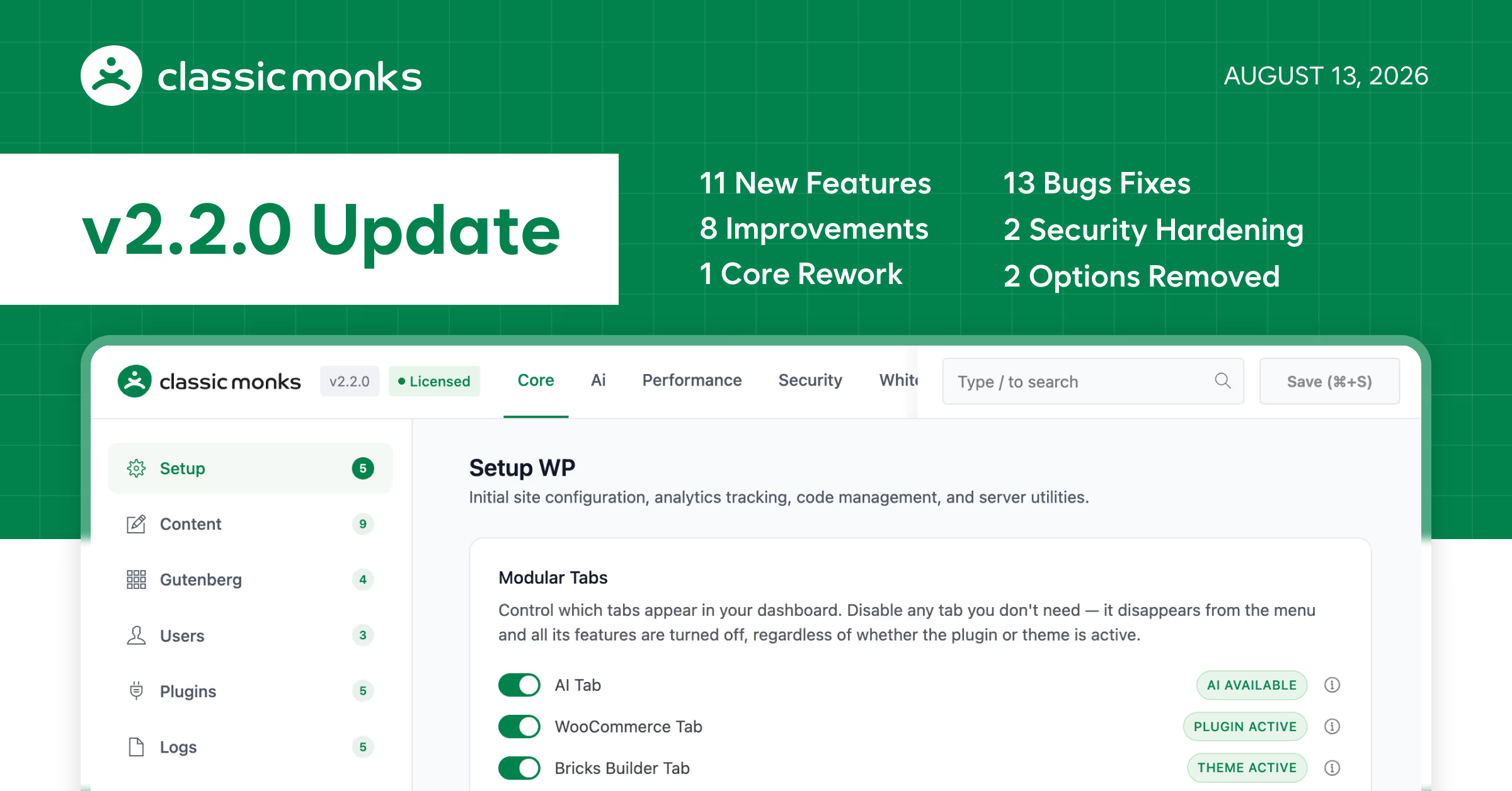
Classic Monks v2.2.0 ships 37 changes this release. 1 core rework. 11 new features. 8 enhancements. 13 bug fixes. 2 options removed. 2 security hardening updates.

We built Classic Monks to replace 20–30 separate plugins with one. Promising that is easy. Earning it is the hard part: a single plugin only deserves the claim when every feature is genuinely good, not just present.

The centerpiece of v2.2.0 is email. We rebuilt the SMTP engine so it can stand next to the plugins people pay for separately, and then we went past them. That is the headline. Everything else in this release, and there is a lot, finishes the core features we have shipped since v1.

Email can finally match a dedicated SMTP plugin

This is the big one, and it deserves the top spot. If you have been running a separate SMTP plugin, this is the release that lets you delete it.

  • Multiple SMTP connections with automatic fallback. If your primary provider drops, mail still goes out.
  • OAuth 2.0 sign-in for Gmail, Google Workspace, and Outlook.
  • Integrations with 20+ providers: SendGrid, Mailgun, Amazon SES, Postmark, and more.
  • An automatic retry queue that re-sends failed emails instead of dropping them silently.
  • Email fallback and routing. Pick the default connection, set a fallback, and route specific From addresses to dedicated connections.
  • Delivery reports straight to your inbox, plus a global email signature with per-email toggles.

Two things make this better than “we added an SMTP tab.” First, the retry queue and fallback chain are runtime behavior, not a settings screen. Silent email failure is the kind of bug that makes a site look broken and costs a reputation; this stops it at the source. Second, it slots into the whole reason Classic Monks exists: one plugin, not a stack. SMTP was the last big thing holding people to a paid add-on. Not anymore.

We put the test where the claim is. The SMTP system holds up against the dedicated plugins people pay for, and it is built into the toolkit you already run.

The features that matured

With email handled, we went back and finished the core features that shipped since v1. Broken link scanning, 404 and redirect management, admin columns, admin notices, the modals, two-factor. Each of them got a real upgrade this week.

Admin Columns got its biggest upgrade yet

The Admin Columns Manager from v2.0 could add custom fields, taxonomy columns, and frozen columns to your list tables. Now it does the thing you actually do all day:

  • Inline editing. Change values right in the table, no opening each item.
  • Inline filtering. Narrow the list without leaving the table.
  • ACF date picker values now display correct dates, the Order column integrates properly, and it remembers the last post type you were working in.

Two-factor, without the friction

The 2FA login is better than ever, with multi-provider support, security hardening, CSV log export, and a logging overhaul. And there is now a path that is often better for real users: replace the 2FA requirement entirely with email OTP. If you would rather not hand out authenticator apps, skip them. Email OTP gets people in with far less friction while keeping the account protected.

The admin just feels calmer now

  • The Admin Notice Manager got a full UI/UX overhaul, with its dashboard settings consolidated into one place. Notices are clearer, and where they live is no longer a mystery.
  • Browser alert popups are gone. Confirmation dialogs are now styled in-page toasts, and modals open as clean slide drawers, a consistent and more user-friendly experience across every module.
  • 404 monitoring and redirect management were reworked, with smarter redirects, bulk actions on 404 logs, and your tab remembered after reloading.
  • Broken link scanning now detects visitors, avoids duplicate scans, and runs on a schedule.

The rest

Everything else in this release is polish that makes the plugin feel finished:

  • Modular feature tabs let you show or hide the WooCommerce, Bricks, and AI areas so the plugin only displays what you actually use.
  • SVG watermark support, with clearer error handling when restoring watermarked files.
  • Add and manage additional roles directly from the user profile.
  • Sortable, searchable debug log columns with your preferences remembered.
  • Core setup options grouped into clear sections, and the “Relaunch Setup Wizard” moved to where the rest of your core options live.
  • The Image Converter is WordPress 7.1 ready. When Auto-Convert is on, it bypasses WordPress 7.1’s new client-side media processing, so you never get duplicate conversions or metadata conflicts.
  • Lazy loading that avoids duplicate fetches, more reliable license update checks, and a WooCommerce Code Manager that no longer fatals when WooCommerce is inactive.

Still the story that started it: OTP login

v2.0 shipped our most-requested feature, SMS + Email OTP Login & Registration, the one people kept asking for on the idea board. Passwordless login, registration, and password resets by one-time passcode, sent over email, SMS, WhatsApp, or Firebase. It works on the frontend, and it can take over the default wp-admin login entirely. Nothing changed about that in v2.2.0. It just sits next to the maturity this release brings, and together they cover the two login paths people actually want: passwordless when it is convenient, email OTP when two-factor is too much friction.

Security

  • The secret login URL no longer leaks through wp-login.php redirects.
  • Login redirects now return 404 instead of exposing information.
  • Debug log files are saved with an unguessable name to prevent unauthorized access.

Tested up to

WordPress Version: 7.1
WooCommerce Version: 11.0.1
Bricks Builder Version: 2.3.11
Classic Monks v2.2.0 Update

Full Changelog

Email Fallback & Routing: Choose the default connection for outgoing mail, set an optional fallback when the default fails, and route specific From addresses to dedicated connections.Added
Email Delivery Reports: Receive automated email activity and delivery reports directly in your inbox.Added
Email Signature: Add a global signature to all outgoing emails, with per-email toggles and form submissions now arrive as branded HTML emails with cleaner reply formatting.Added
Modular Feature Tabs: Show or hide the WooCommerce, Bricks, and AI feature areas from the settings so the plugin only displays what you actually use.Added
Admin Columns Inline Editing & Filtering: Edit and filter values directly in your list tables without opening each item.Added
Two-Factor Authentication Multi-Provider: Support for multiple two-factor authentication providers, with security hardening and a logging overhaul.Added
SVG Watermark Support: Watermark SVG images and get clearer error handling when restoring watermarked files.Added
User Role Management on Profile: Add and manage additional roles directly from the user profile.Added
2FA Log Export: Export two-factor authentication logs to CSV for review.Added
Sortable Debug Log Columns: Reorder and sort debug log columns with your preferences remembered between visits.Added
404 Monitoring & Redirect Management: Reworked 404 monitoring with smarter redirect management, bulk actions for 404 logs, and your selected tab remembered after reloading.Added
Email & SMTP System Revamped: The revamped email system is now on par with dedicated SMTP plugins. Connect multiple SMTP connections with automatic fallback, 20+ provider integrations (SendGrid, Mailgun, Amazon SES, Postmark, and more), OAuth 2.0 sign-in for Gmail, Google Workspace, and Outlook, and an automatic retry queue that re-sends failed emails.Changed
Admin Notice Manager: The Admin Notice Manager has been overhauled and its Dashboard settings consolidated into one place.Improved
Core Setup Organization: Core setup options are now grouped into clear sections, and the "Relaunch Setup Wizard" option moved to the Core Setup tab so you can restart setup right where the rest of your core options live.Improved
In-Page Confirmation Dialogs: Browser alert popups have been replaced with styled in-page toasts and confirmation dialogs, and modals now open as slide drawers.Improved
Modal UI/UX Consistency: Modal dialogs across the Classic Monks dashboard and submenus have been refined for cleaner styling, better interaction consistency, and a more user-friendly experience.Improved
Broken Link Scanning: Broken link scanning now detects visitors, avoids duplicate scans, and runs on a schedule.Improved
Unified Insights UI: Logging modules now share a consistent insights interface.Improved
Lazy Loading Performance: Preloaded resources load faster by avoiding duplicate fetches.Improved
License Update Checks: Update checks are more reliable and now support hostname-scoped updates.Improved
Image Converter WordPress 7.1 Compatibility: Automatically bypasses WordPress 7.1's client-side media processing when Auto-Convert is enabled to prevent duplicate image conversions and metadata conflicts.Fixed
WooCommerce Code Manager Fatal Errors: Missing WooCommerce functions no longer cause fatal errors when WooCommerce is inactive.Fixed
Admin Columns Date Handling: ACF date picker values now display correctly, and the Order column integrates properly.Fixed
Admin Columns Post Type Memory: The admin columns manager remembers your last selected post type.Fixed
Custom Login URL Redirect: The default login redirect now fires at the right time.Fixed
Two-Factor First-Time Enable: Changing the 2FA method no longer gets mis-recorded the first time you enable it.Fixed
Bricks Variable Picker: Variables sort correctly and size indicators display properly.Fixed
Bricks Autocomplete: Variable and calc detection is more accurate in the Bricks autocomplete.Fixed
BEM Generator Panel: Pressing Escape now closes the BEM panel cleanly.Fixed
SMTP Decryption Errors: SMTP decryption errors are now surfaced clearly and all email logs are shown.Fixed
Log Table Truncation: IP addresses and user agents in log tables display fully instead of truncating mid-line.Fixed
Menu Manager Order: Submenu order and editable titles are captured correctly.Fixed
Admin Toolbar Titles: Adding titles to admin bar nodes no longer strips their icons.Fixed
Settings "Enable All" Toggles: The one-click "Enable all" master switches within grouped sections of the Bricks Builder, Email, and Security tabs have been removed, enable each individual option instead.Removed
Advanced Plugin Manager Toggle: The "Enable Advanced Plugin Manager" toggle and its dependency chain have been removed.Removed
Secret Login URL Protection: The secret login URL no longer leaks through wp-login.php redirects, and login redirects now return 404 instead of exposing information.Security
Secure Debug Log File: Debug log files are saved with an unguessable name to prevent unauthorized access.Security

Special Thanks

  • Yann Ott: Requested the ability to add additional roles directly on the user profile (Forum #76).
  • Gaurav Singh: Requested the modular feature tab toggles and reported an admin columns loading issue.
  • Igor Poslov: Reported ACF date picker values displaying as the wrong dates (Forum #74).
  • Aleksa Piljevic: Reported the white screen that appeared when the hidden login page was active.
  • Michael Trawoeger: Reported the secret login URL leaking through wp-login.php redirects.
  • Niels: Reported duplicate lazy-loading preloads that slowed down page loads.
  • Saurabh Guttedar: Reported fatal errors in the Code Manager when WooCommerce was inactive.
  • Alexander Senger: Requested the secure debug log file and sortable debug log columns features.
  • RIČARD JUNGIĆ: Reported two-factor authentication access problems that affected non-admin users.

Sumit Your Ideas or Feature Requests

All submissions go through a manual review, so not every idea will be published. That said, the most upvoted ideas are given priority on our official roadmap.Please check if your idea already exists before submitting. If you find it, simply upvote it to help us prioritize it.