

Why You Need It
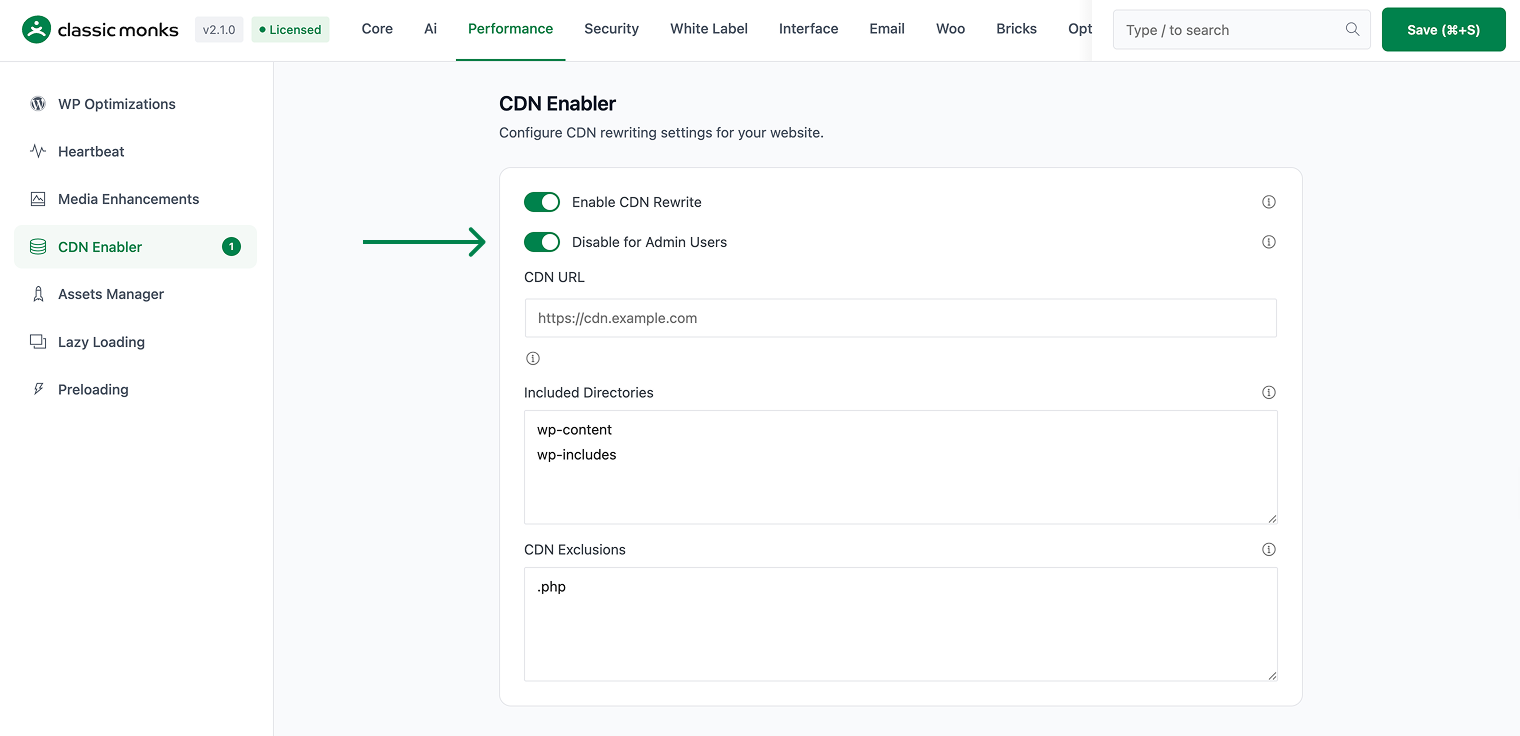
CDN caching can cause admins to see stale content. Disabling CDN for admins ensures they always see the latest version of the site.
How to Enable this Feature
- Step 1
Navigate to Settings
Click into the Classic Monks plugin settings, then the Performance tab, CDN subtab.
- Step 2
Enable the Feature
Toggle on the feature.
- Step 3
Save and Test
Click Save Changes. Test on the frontend.
Common Use Cases
Content updates
When updating content, admins need to see the latest version immediately, not a cached version.
Debugging
When debugging CDN issues, disabling CDN for admins helps isolate the problem.
Before you enable this feature
- Test on staging first to verify no conflicts with your theme or other plugins
- Check dependent plugins that may rely on the functionality being modified
- Monitor after enabling for any unexpected behavior on the frontend
How it works under the feature
This feature runs during the WordPress initialization phase. When enabled, its PHP code registers hooks that modify specific WordPress behaviors. The changes are non-destructive and reversible.
No database schema changes are made. The feature state is stored as a boolean value in the wp_options table and can be toggled at any time from the admin settings.
Troubleshooting
2 problems and how to fix each one.
The feature is not taking effect
Cause: The toggle is off, or a caching plugin is serving the old page.
Fix: Verify the toggle is on. Clear all caching layers.
The feature breaks another plugin
Cause: Another plugin depends on the functionality that this feature disables.
Fix: Disable this feature if it breaks another plugin.
