




Bricks Builder is fast, clean, and developer-friendly. But on its own, it does not cover everything a production WordPress site needs. That is where addons come in.
The Bricks addon ecosystem has grown fast. There are now a dozen or more plugins adding elements, WooCommerce tools, animations, form builders, and workflow improvements. Some are free. Some cost $39 per year. Some cost $349. Picking the right one depends on what your sites actually need, not what every addon claims to do.
I build Classic Monks, which is one of the addons on this list. I will rank it honestly and tell you what it does not do. Every other addon on this list was checked against its official site and pricing page on August 20, 2026.
How to Choose the Right Bricks Addon
Before picking an addon, figure out what your sites are actually missing. The wrong addon loads scripts you never use and adds a dashboard you never open.
What problem are you solving?
“I need more elements.” Bricks ships solid core elements, but it does not ship everything. Tables, timelines, modal popups, image galleries, copy-to-clipboard, star ratings, and countdowns are common gaps. Max Addons, BricksExtras, and Bricksable all fill these.
“I need WooCommerce storefront blocks.” Checkout builder, mini cart, order bumps, product swatches in loops, and applied coupons. Bricks Ultimate is the deepest here. Classic Monks covers store operations (coupons, BOGO, checkout fields, order tools) but not the visual checkout builder.
“I need the rest of the site.” Security, performance, admin cleanup, white label, AI tools. No element-only addon covers these. Classic Monks is the only plugin on this list that does.
“I need animations and dev tools.” GSAP animations without code, API query builders, 3D models, backend customization. Bricksforge is built for this.
Free vs paid
Free addons (Bricksable) are good starting points. They cover common element gaps without costing anything. The tradeoff is fewer elements, no WooCommerce tools, and limited support.
Paid addons add more elements, WooCommerce support, form stylers, dynamic features, and priority support. The price range is $29 to $349 per year, or $90 to $599 one-time for lifetime deals.
How many addons should you stack?
One is ideal. Two is common. Three or more means you are probably solving the wrong problem.
Each addon loads its own scripts and styles. Three addons means three sets of assets on every page, three dashboards to check, and three licenses to renew. If you find yourself stacking three addons, consider whether a broader plugin like Classic Monks replaces two of them.
Performance considerations
Every addon you install adds overhead. The good ones load scripts only where needed and let you disable elements you do not use. Check whether the addon has:
- Per-element enable/disable controls
- Conditional script loading (only on pages that use the elements)
- A lightweight codebase (check community feedback for backend editor speed)
Bricksable, BricksExtras, and Max Addons all emphasize lightweight performance. Classic Monks loads its Bricks features only when Bricks is installed.
The Best Bricks Builder Addons in 2026
1. Classic Monks
Best for: Agencies and freelancers who want one plugin to cover Bricks plus the rest of the site.
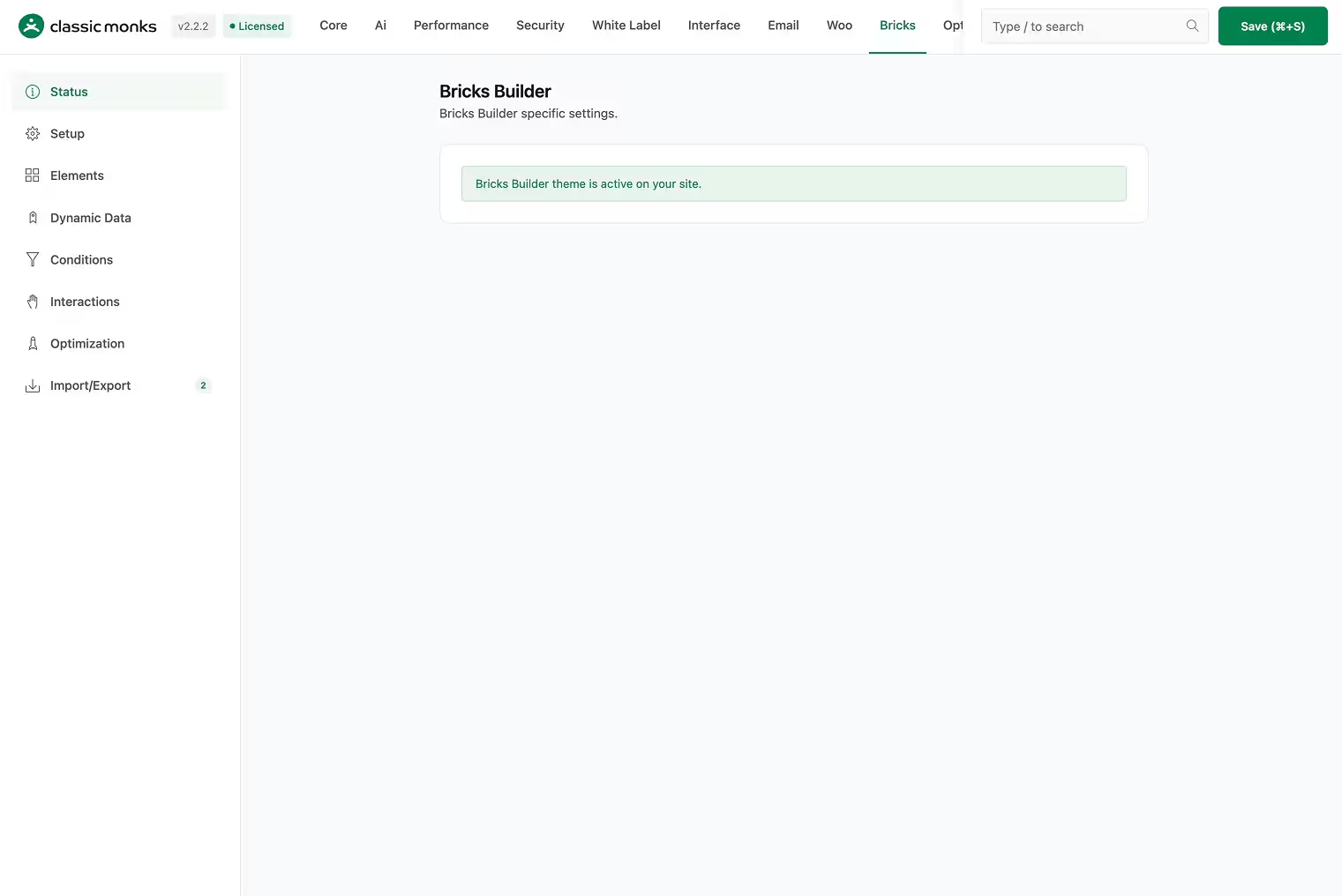
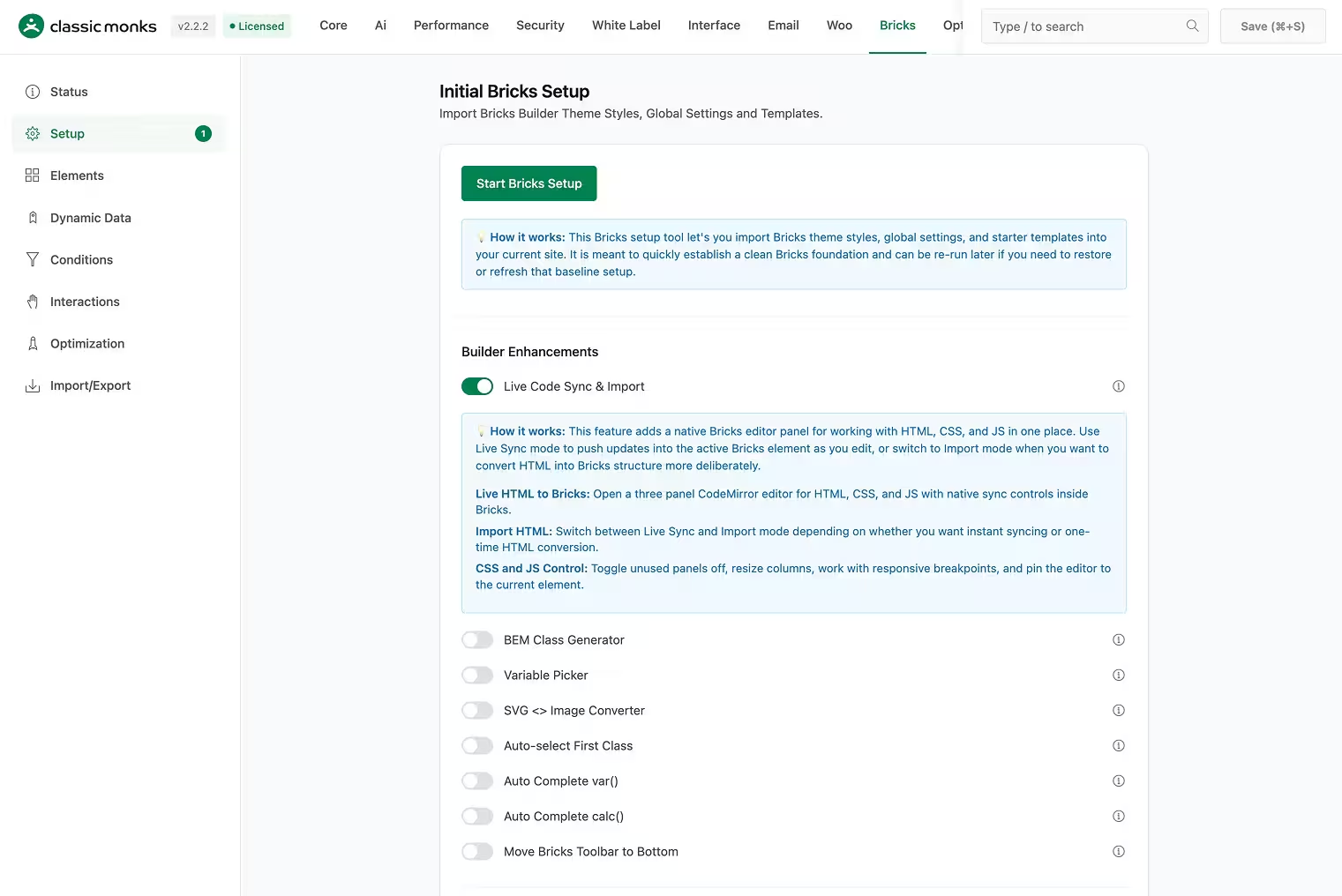
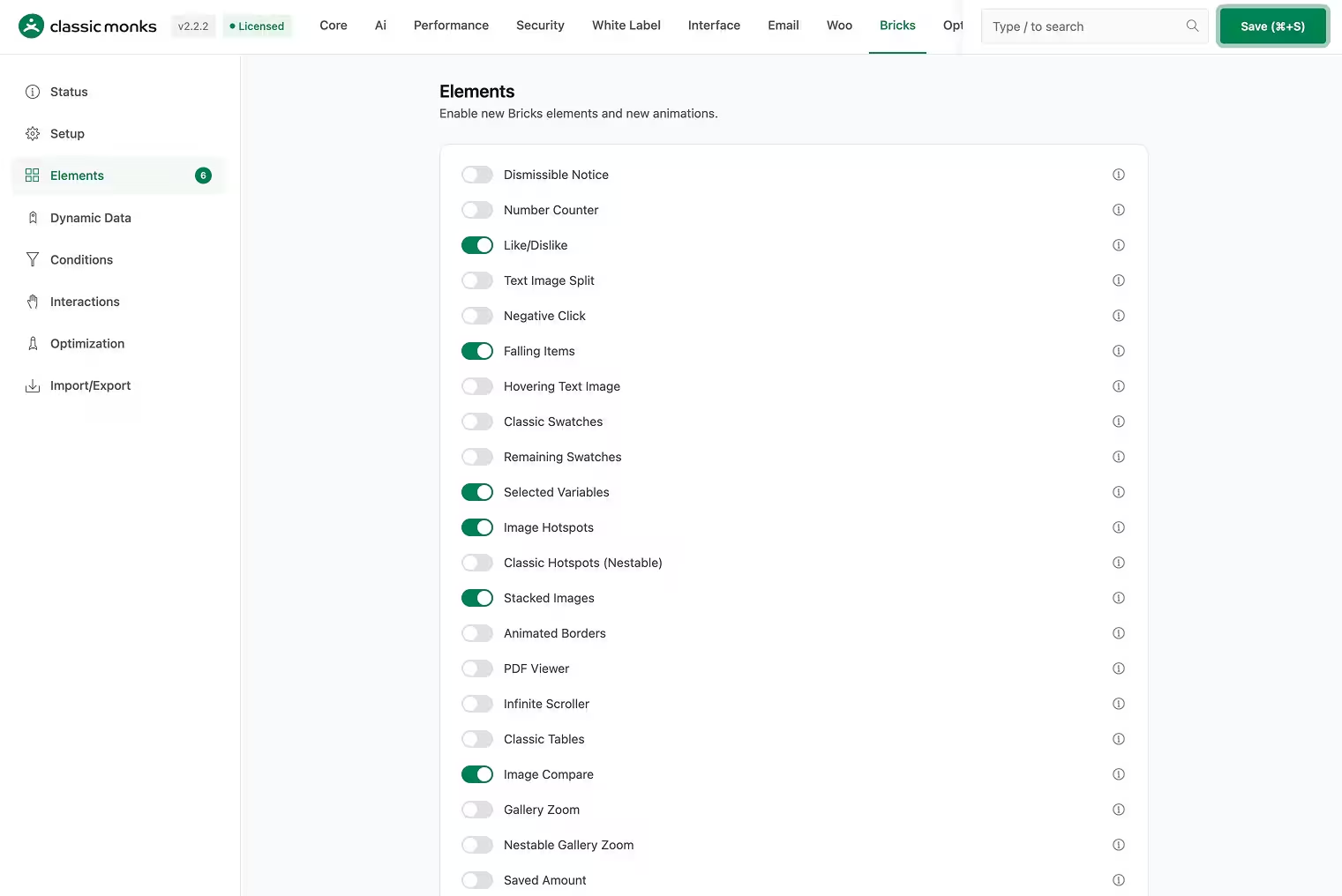
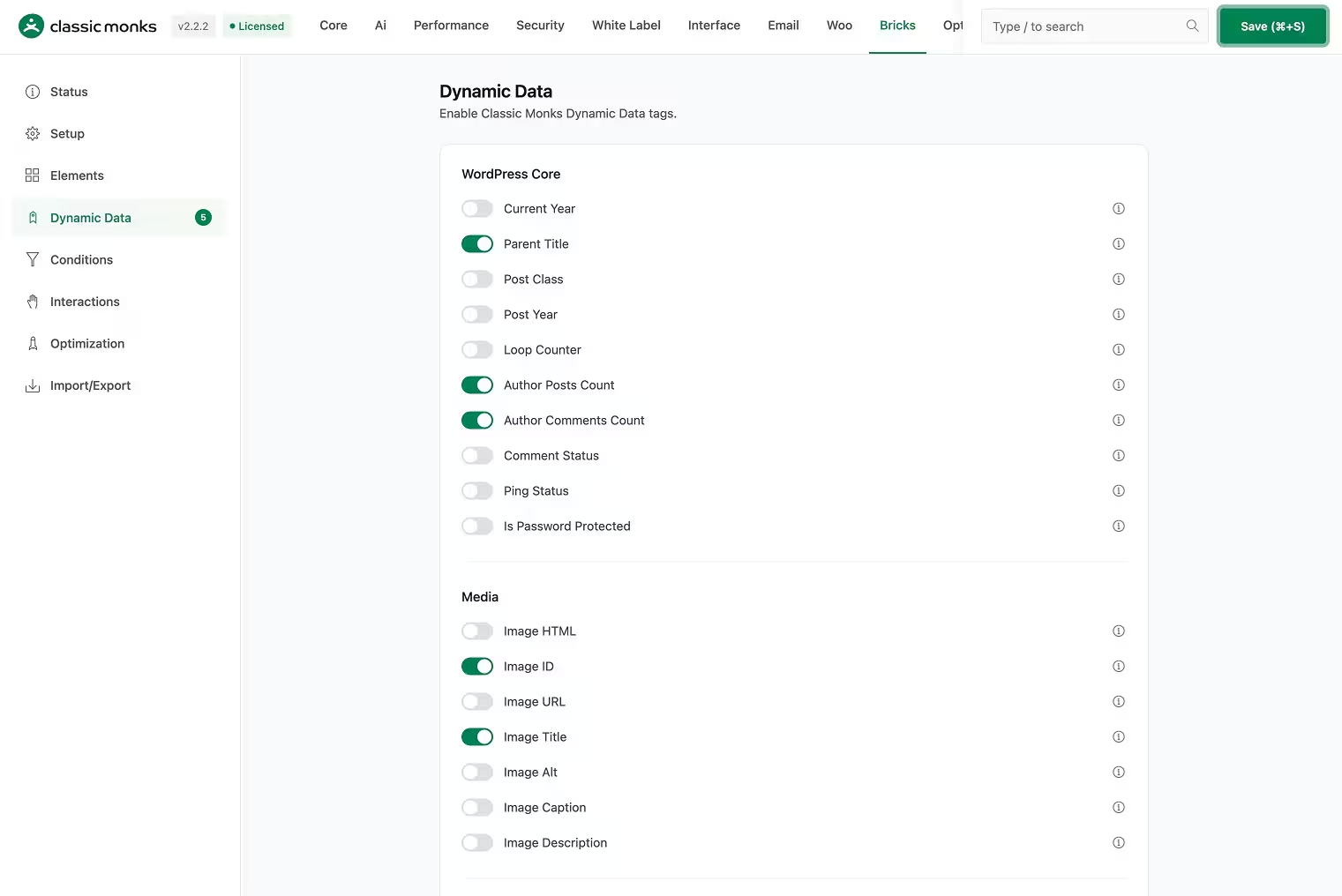
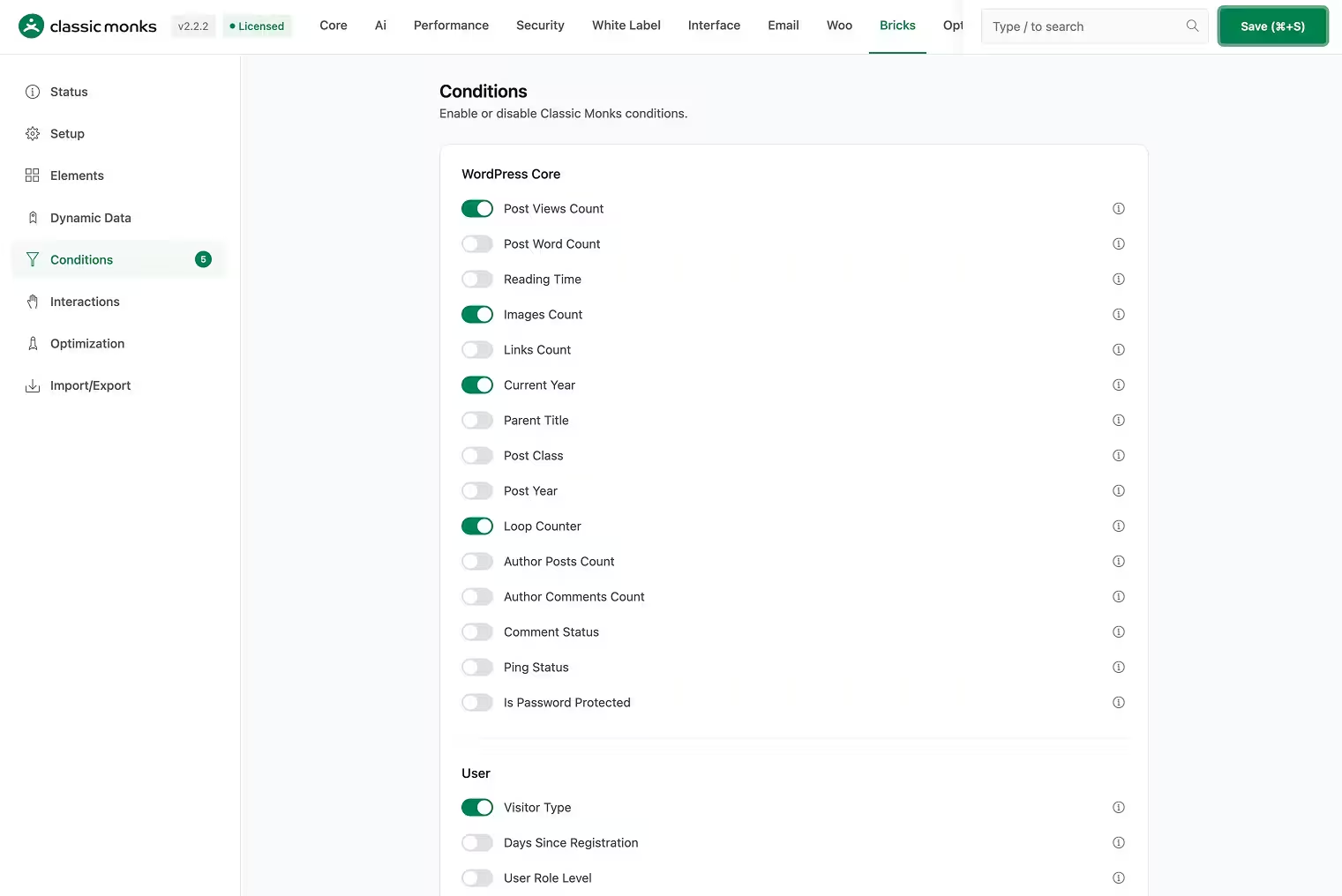
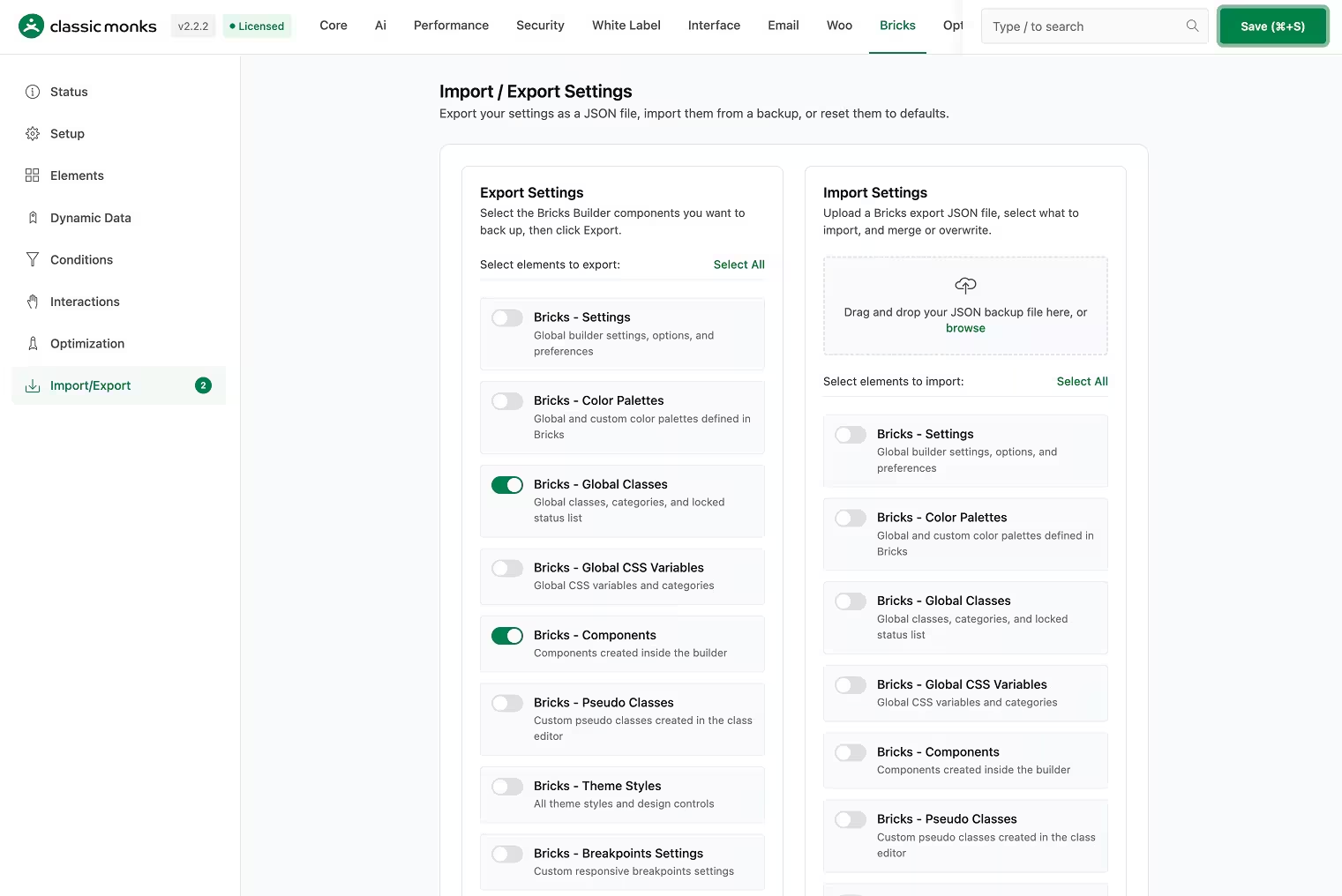
Classic Monks is not a pure element addon. It is a WordPress-wide stack with 162 features for Bricks Builder inside a 393+ feature library. The Bricks tab covers elements, controls, animations, dynamic data, conditions, interactions, and optimization. Beyond Bricks, it handles security, performance, WooCommerce operations, admin tools, media, AI, and white label.
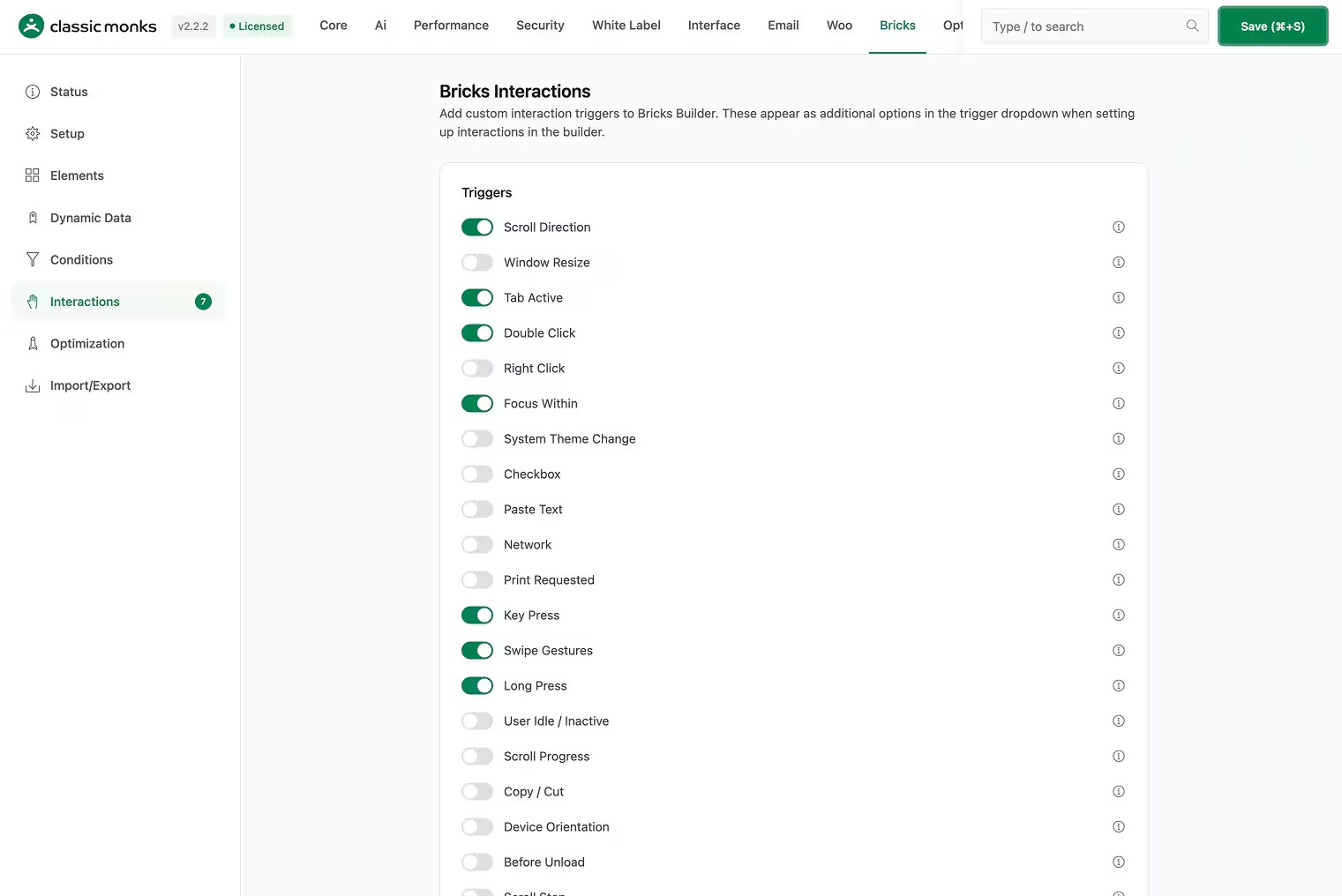
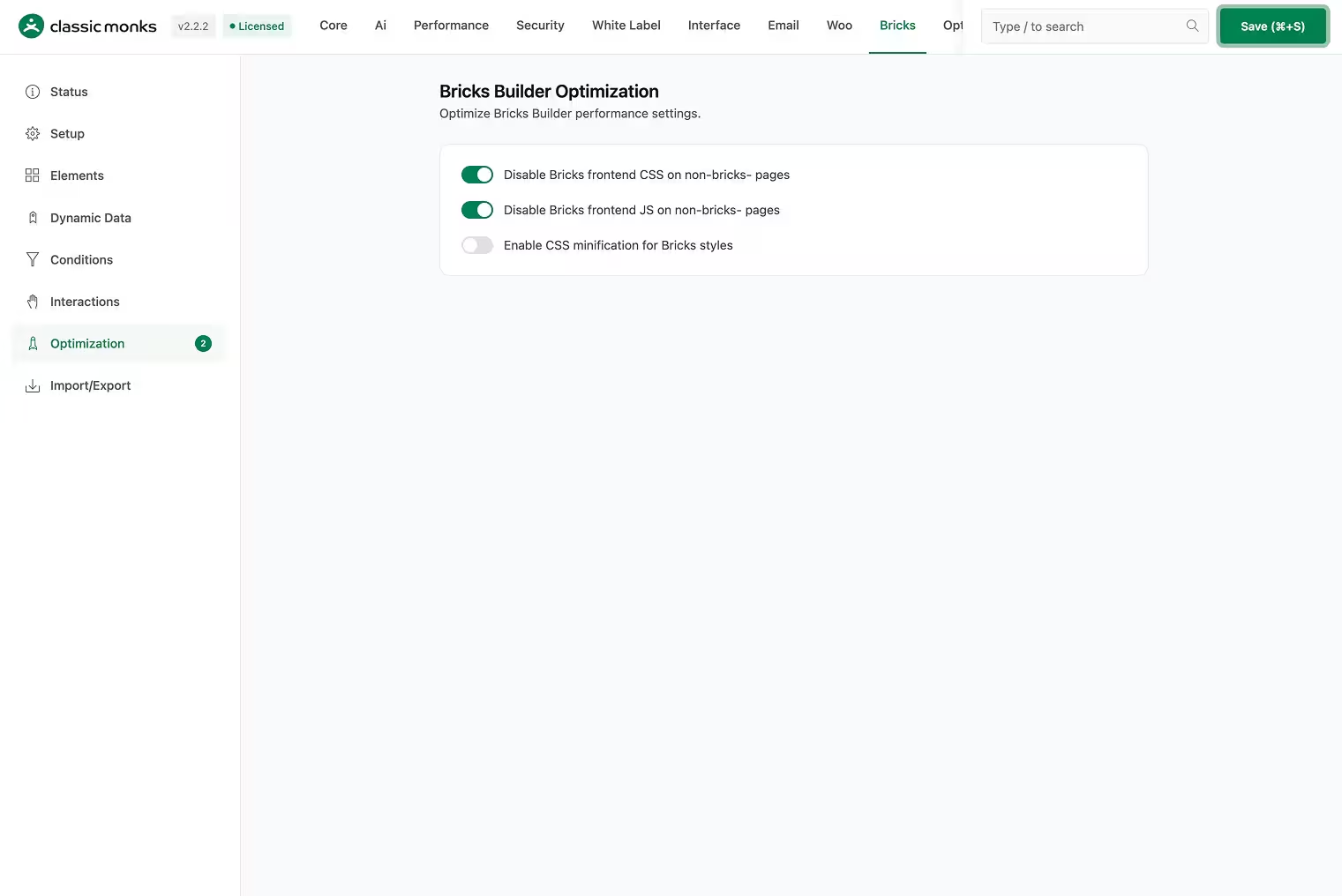
Key Bricks features: 30+ exclusive elements in 7 categories (text, core, background, media, sliders, buttons, cursors). 21 interaction triggers and 22 actions. Dynamic data for WordPress core, WooCommerce, media, taxonomy, menu, comments, and reviews. Conditions for core, user, content analysis, taxonomy, media, and WooCommerce rules. Per-element lazy loading and preloading. Bricks asset disabling and CSS minification.
Beyond Bricks: Full security tab (2FA, login protection, CAPTCHA, content protection, staging protection). Performance tab (Assets Manager, CDN, lazy loading, image conversion to WebP/AVIF). WooCommerce operations (swatches, coupons, BOGO, checkout fields, order tools). AI Agent, alt-text generation, image generation. Admin tools, media management, Quick WordPress Setup. White label on Enterprise plan.
Pricing:
| Plan | Sites | Yearly | Lifetime |
|---|---|---|---|
| Personal | 1 | $39/year | Not listed |
| Professional | 25 | $119/year | Not listed |
| Agency | 100 | $199/year | $299 one-time |
| Enterprise | Unlimited | $299/year | $599 one-time |
Why it ranks first: No other addon on this list covers Bricks elements plus security, performance, WooCommerce operations, admin tools, AI, and white label. If you manage multiple client sites and want one license instead of five, this is the broadest stack.
What it does not do: Full-page caching (keep WP Rocket or your host cache). Backups (use UpdraftPlus or BlogVault). SEO (use Rank Math or Yoast). Visual checkout builder or mini cart builder (Bricks Ultimate covers those). Form stylers for third-party form plugins.
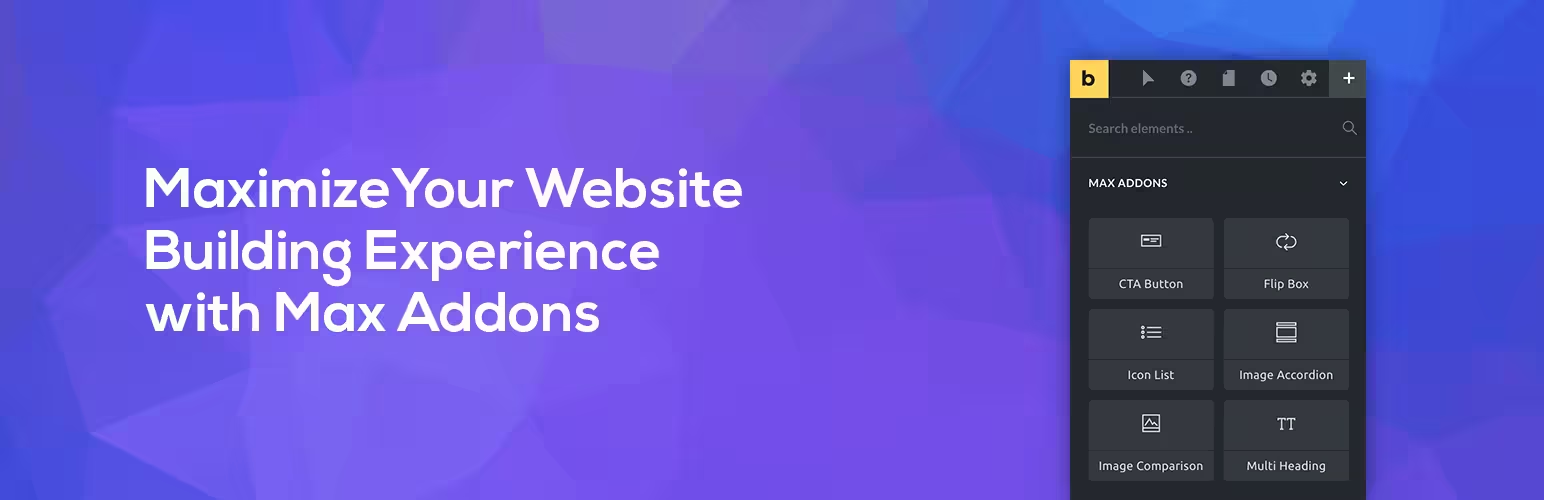
2. Max Addons for Bricks
Best for: Designers who want a wide element library with a free starting point.
Max Addons ships 60+ elements across content, creative, tables, images, navigation, video, form stylers, and WooCommerce categories. It has a free version on WordPress.org with a selection of essential elements, and a Pro version that unlocks everything.
Key features: Checkout Builder, Thank You Page Builder, Add to Cart, Buy Now Button, Product Gallery, Product Swatches, Product Badges, Product Reviews, Stock Progress Bar, Wishlist. Form stylers for Gravity Forms, Contact Form 7, and Fluent Forms. Display Conditions, Mask, Query Loop, Dynamic Tags, Background Slideshow, Tooltip. Maintenance Mode and Coming Soon Mode. White Label branding.
Pricing (with current promo):
| Plan | Sites | Regular | Promo |
|---|---|---|---|
| Starter | 1 | $59/year | $49/year |
| Business | 3 | $99/year | $79/year |
| Agency | 1,000 | $139/year | $119/year |
| Ultimate | Unlimited | $349/year | $289/year |
14-day money-back guarantee. 30% renewal discount.
Why it ranks second: The free version makes it the lowest-risk starting point. The element count (60+) covers most common gaps. WooCommerce elements and form stylers add real value. The pricing is competitive for what you get.
What it does not do: Security, performance optimization, admin tools, AI, media management. It is an element addon, not a site stack. White label is included but only rebrands the addon itself.
3. Bricks Ultimate
Best for: WooCommerce stores built in Bricks that need deep storefront layout tools.
Bricks Ultimate (BricksUltimate at bricksultimate.com) is focused on one job: WooCommerce storefront elements inside Bricks. It ships 35 general elements, 32 WooCommerce elements, 28 Query Loop Providers, and a dynamic tag set with 34 general and roughly 95 WooCommerce tags.
Key features: Checkout Builder, Mini Cart Builder, Order Bumps, Applied Coupons, Cart Counter, Cart Content, My Account Navigation, Thank You Page builder, Free Shipping Notice, Purchasable badges, Linked Variations, Swatches for Loop. Query Loop Providers for ACF, Metabox, products, related, cross-sells, upsells, recently viewed, wishlist, and compare items. Form stylers for Contact Form 7, Gravity Forms, Fluent Forms, Piotnet, WPForms, WS Forms, and WPGB Facets. AJAX Popup Builder, Off Canvas, Sliding Menu, Accordion Menu.
Pricing (one-time, lifetime updates):
| License | Domains | Price |
|---|---|---|
| Basic | 10 | $79 |
| 20 Domains | 20 | $109 |
| 50 Domains | 50 | $149 |
| 100 Domains | 100 | $249 |
| Unlimited | Unlimited | $699 |
Also sells separate WooCommerce plugins: Frequently Bought Together, Buy X Get Y Pro, and Product Add-Ons (included only on Unlimited tier). Requirements: Bricks Builder, WordPress 6.0+, PHP 8.0.x+. 7-day refund. PayPal only.
Why it ranks third: For pure WooCommerce storefront layout, nothing else on this list goes deeper. The checkout builder, mini cart builder, order bumps, and 28 query loop providers are genuinely useful for Bricks-based stores.
What it does not do: Security, performance, admin tools, AI, media management, white label (only on $699 Unlimited, and only for the addon itself). Requires a separate Bricks Builder license. Does nothing outside Bricks.
4. Bricksable
Best for: Beginners and budget-conscious builders who want free creative elements.
Bricksable is 100% free on WordPress.org. It ships 20+ creative elements focused on visual engagement: flipbox, floating elements, tilt images, Lottie animations, sticky video, content toggle, text notation, multi heading, star ratings, and more. It is lightweight and has over 10,000 active installs.
Key features: Flipbox, floating elements, tilt image, Lottie animation, sticky video, content toggle, text notation, multi heading, star ratings, icon list, comparison table. All free. Pro is in development with pricing at $29 per year (1 site) or $59 per year (unlimited).
Pricing: Free. Pro planned at $29/year or $59/year.
Why it ranks fourth: It is free, it works, and it covers the most common element gaps without costing anything. If you are starting out or building personal projects, this is the right starting point.
What it does not do: No WooCommerce elements, no form stylers, no query loop providers, no dynamic tags, no conditions or interactions. Pro is not yet released.
5. BricksExtras
Best for: Designers who need high-quality elements built for accessibility and dynamic data.
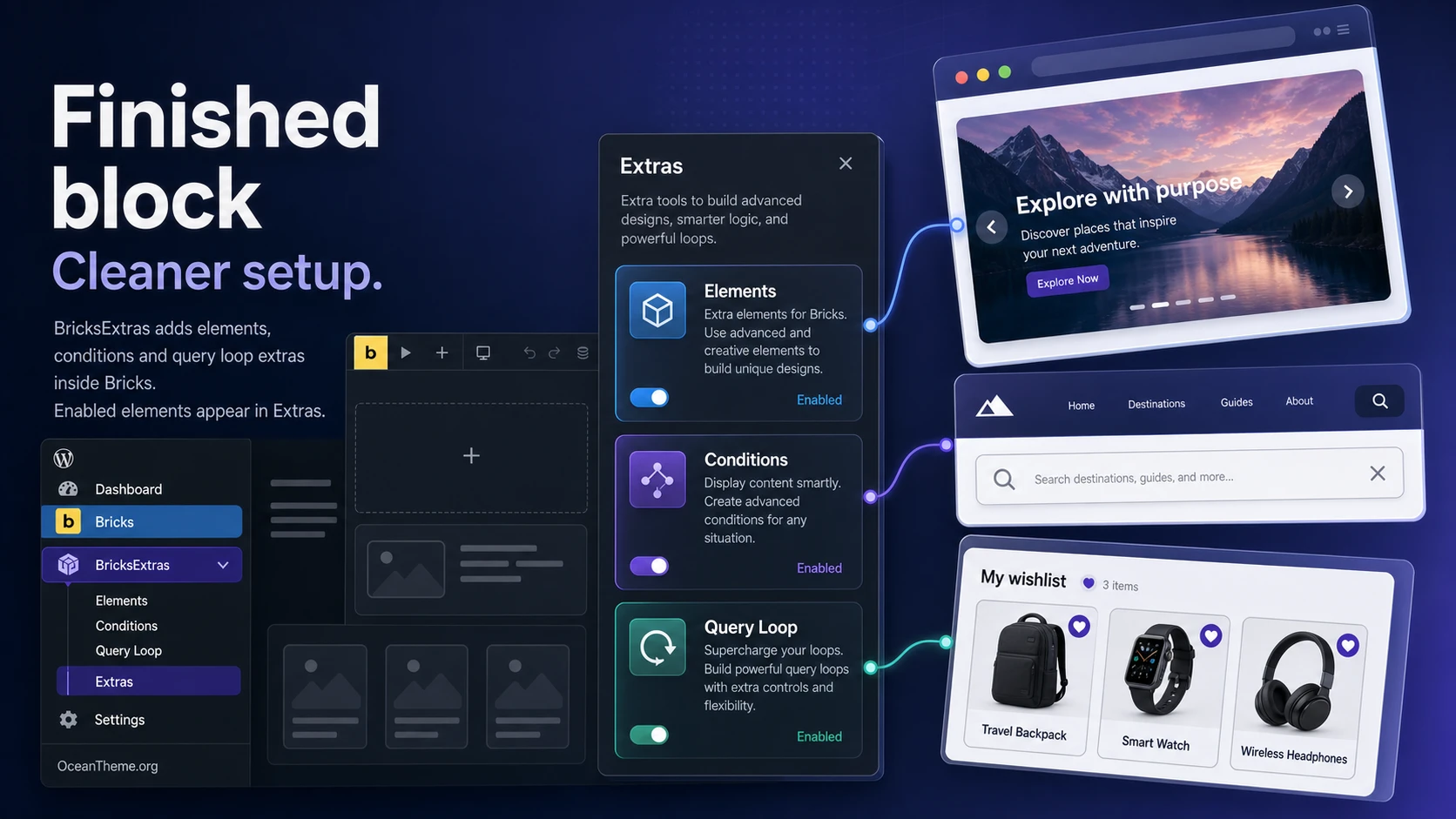
BricksExtras ships 48 elements with a focus on accessibility, flexibility, and seamless integration with Bricks components, filters, query loops, and dynamic data. It also includes 70+ element conditions for building dynamic sites.
Key features: Panorama Viewer, advanced query loop support, dynamic data integration, 70+ element conditions, accessibility-first design. Each element is lightweight and designed to work with modern Bricks features. No free version.
Pricing: $79 per year for unlimited sites. $197 lifetime. No free version.
Why it ranks fifth: The quality-per-element ratio is high. Each element is built for real-world use cases with accessibility in mind. The 70+ conditions are a strong differentiator for dynamic sites. Unlimited sites at $79 per year is good value.
What it does not do: No WooCommerce-specific elements, no form stylers, no security, no performance tools, no admin features. It is a focused element library, not a site stack.
6. Bricksforge
Best for: Developers who need animations, API integrations, and backend customization.
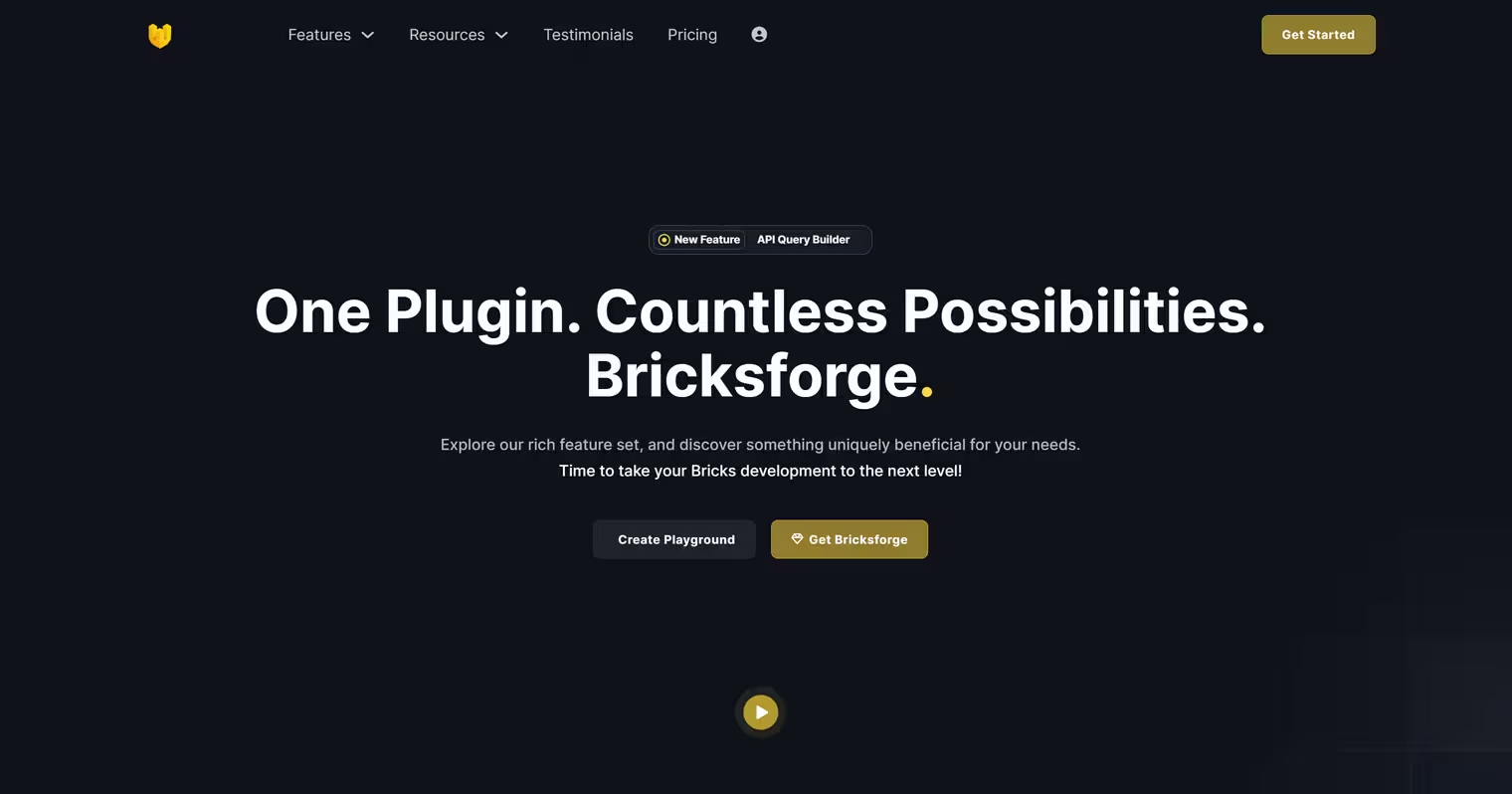
Bricksforge is a developer toolkit, not an element library. It focuses on GSAP animations via UI, Pro Forms with conditional logic and file uploads, API Query Builder for external data, 3D Model support via Three.js, Backend Designer for customizing WordPress admin, and swup.js for page transitions.
Key features: GSAP animation panel (no code), Pro Forms (multi-step, conditional logic, file uploads, database storage), API Query Builder (external API integration), 3D Model viewer (Three.js), Backend Designer (custom admin and login pages), swup.js page transitions, Panel (interactive site elements), Terminal (element structures and global classes), Maintenance Mode, Element Conditions, Tour Guide, Scroll Video, Before and After comparison.
Pricing: Starts from $39 per year. Modular approach: only activate the features you use.
Why it ranks sixth: It covers territory no other addon touches: GSAP animations without code, API integrations, 3D models, and backend customization. If your gap is “I need animations and dev tools,” this is the right pick.
What it does not do: No WooCommerce elements, no form styler elements for third-party plugins (Pro Forms is a standalone form builder, not a styler), no security, no performance tools, no white label.
Compared at a Glance
| Addon | Elements | WooCommerce | Free Version | Starting Price | Best For |
|---|---|---|---|---|---|
| Classic Monks | 162 Bricks features | Store operations: swatches, coupons, BOGO, checkout fields | No | $39/year | Full WordPress stack |
| Max Addons | 60+ | Checkout, swatches, badges, reviews | Yes | $49/year | Element library |
| Bricks Ultimate | 35 general + 32 Woo | Checkout builder, mini cart, order bumps | No | $79 one-time | WooCommerce storefront |
| Bricksable | 20+ | No | Yes (100% free) | Free | Free starting point |
| BricksExtras | 48 | No | No | $79/year | Quality elements |
| Bricksforge | Dev tools | No | No | $39/year | Animations and APIs |
How to Install and Test a Bricks Addon
- Start on a staging site. Never install a new addon on a live client site without testing first.
- Install the free version if one exists. Max Addons and Bricksable both have free versions on WordPress.org. Install, activate, and test the elements you need.
- Check backend performance. Open the Bricks editor with the addon active. Does the editor feel slower? Do elements load quickly? Community forums are a good source for real-world performance feedback.
- Test on the front end. Build a test page with the addon elements. Check the page source for extra scripts and styles. Fewer assets means less overhead.
- Check compatibility. Some addons conflict with each other or with specific Bricks versions. Check the addon’s changelog and Bricks community forum for known issues.
- Evaluate the support. Ask a question on the addon’s support channel before buying. Response time and quality matter more than feature lists.
Wrapping Up
There is no single best Bricks addon. The right choice depends on what your sites need.
If you want one plugin that covers Bricks elements plus security, performance, WooCommerce operations, admin tools, AI, and white label, Classic Monks is the broadest stack. If you need a focused element library with a free starting point, Max Addons or Bricksable are solid picks. If WooCommerce storefront layout is the priority, Bricks Ultimate goes deepest. If you need animations and developer tools, Bricksforge covers territory no other addon touches.
Start with the free versions where they exist. Test on staging. Check performance. And remember that the best addon is the one that solves the gap your sites actually have, not the one with the longest feature list.

Add your first comment to this post