




The short answer: A WordPress toolbox is the repeatable set of plugins an agency installs on every client site: backup, security, performance, admin cleanup, and one consolidation plugin that replaces a dozen single-purpose tools.
Every agency has one, whether it is written down or not. The same five or six plugins go on every new client site, configured the same way, because the same jobs repeat: back the site up, lock down login, speed up the front end, clean up the admin, and keep the plugin count low enough that updates do not break things. This page is that list, with honest picks for each slot, including where Classic Monks fits and where a different tool is the right call.
I build Classic Monks, so this page recommends it where it earns the slot. It does not earn every slot, and the ones it does not earn are named below.
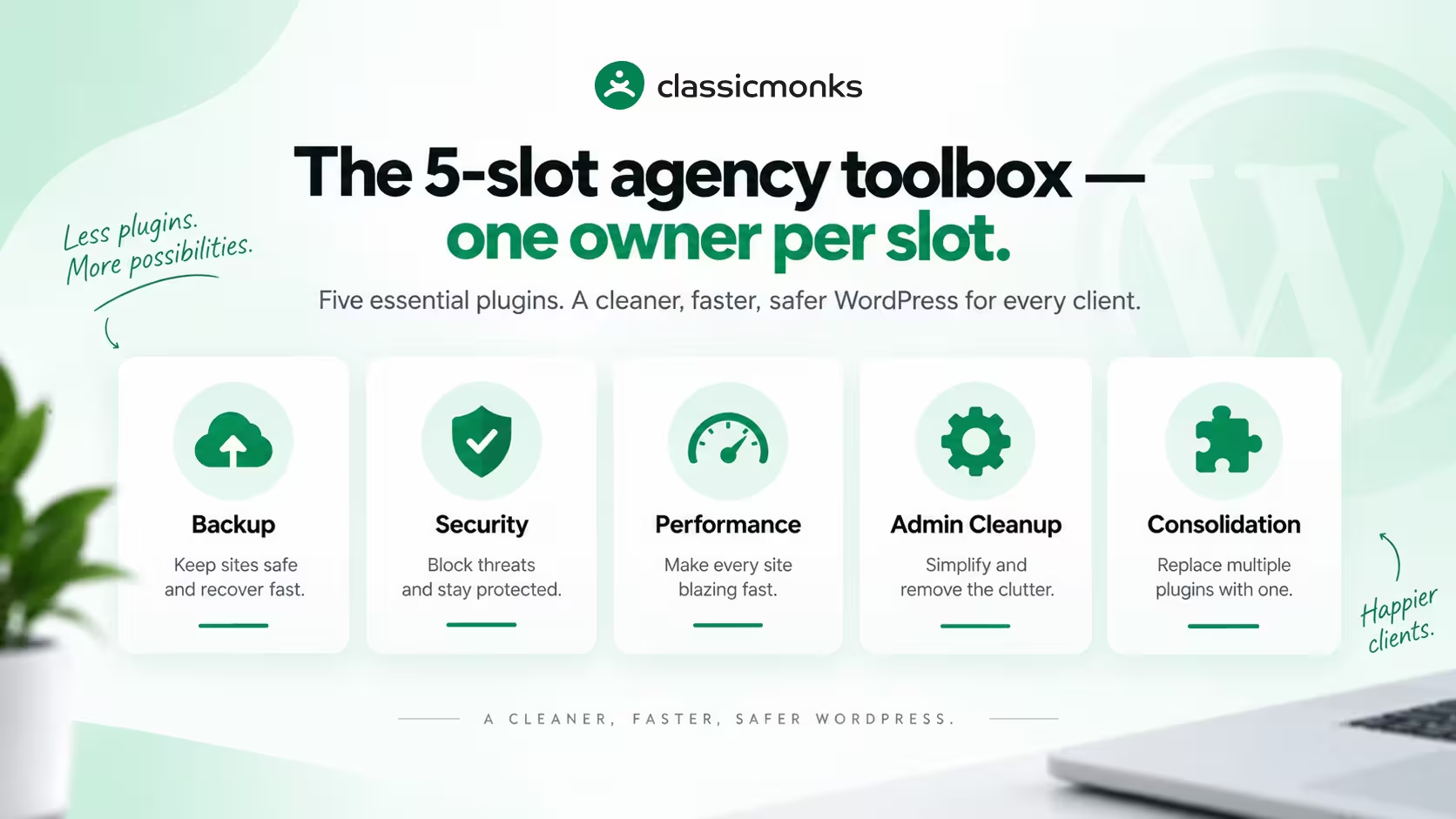
The agency base stack checklist
A client site needs five jobs covered before it is handed over. One slot each, no duplicates.
1. Backup: a dedicated backup plugin
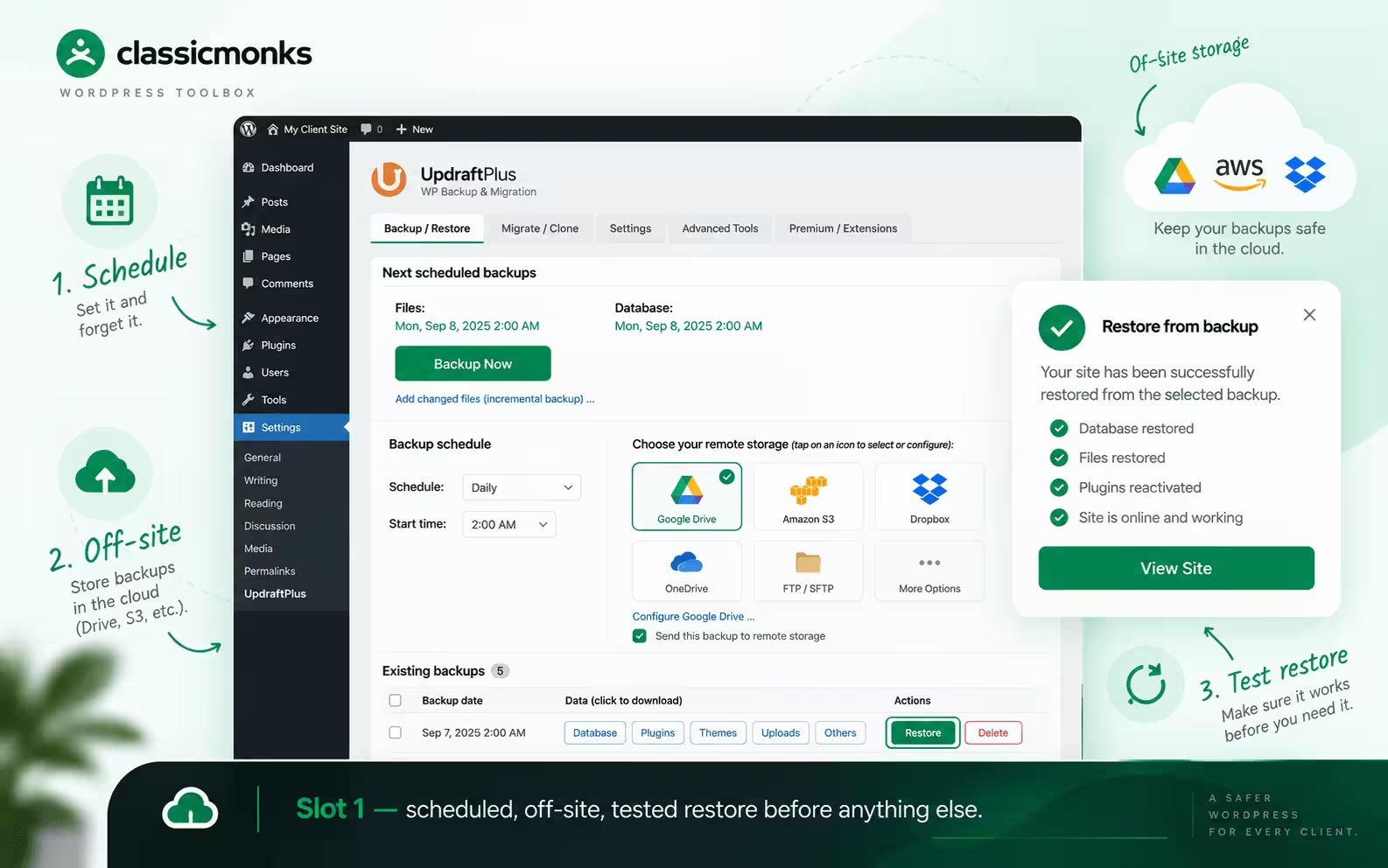
Every client site gets scheduled, off-site backups with one-click restore, before anything else is configured. This is the one slot Classic Monks does not fill: its settings export and import is not a backup system, and this page will not pretend otherwise. Use a dedicated backup product (UpdraftPlus is the common pick; pair it with pre-update backups so a bad release never strands a client site). Test a restore on staging at least once, so the first real restore is not the first time anyone clicks the button.
2. Security: login lockdown, 2FA, and hardening
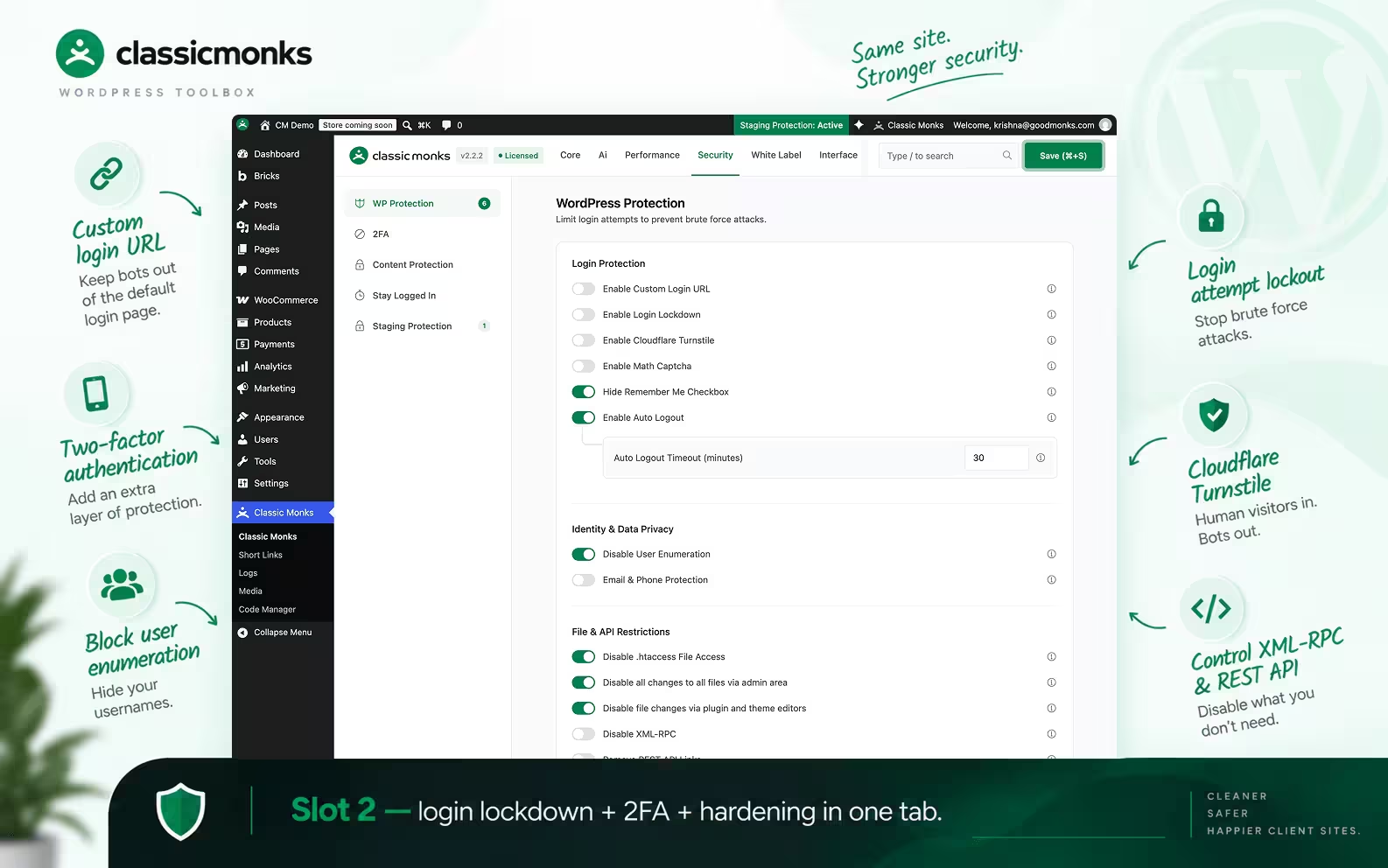
Login attacks hit every public WordPress site, including small client sites nobody would bother targeting. The minimum repeatable setup: a custom login URL, login attempt limiting with lockout, two-factor authentication, CAPTCHA or Turnstile on login and registration forms, XML-RPC and REST API controls where the site does not need them, and user-enumeration protection. Classic Monks earns this slot: its security tab covers login lockdown with extended lockout, Cloudflare Turnstile and math CAPTCHA, 2FA with authenticator app and email OTP, custom login URL, enumeration blocking, and staging protection with HTTP auth and access tokens. Read the WordPress security documentation for the current list.
3. Performance: a cache layer plus asset controls
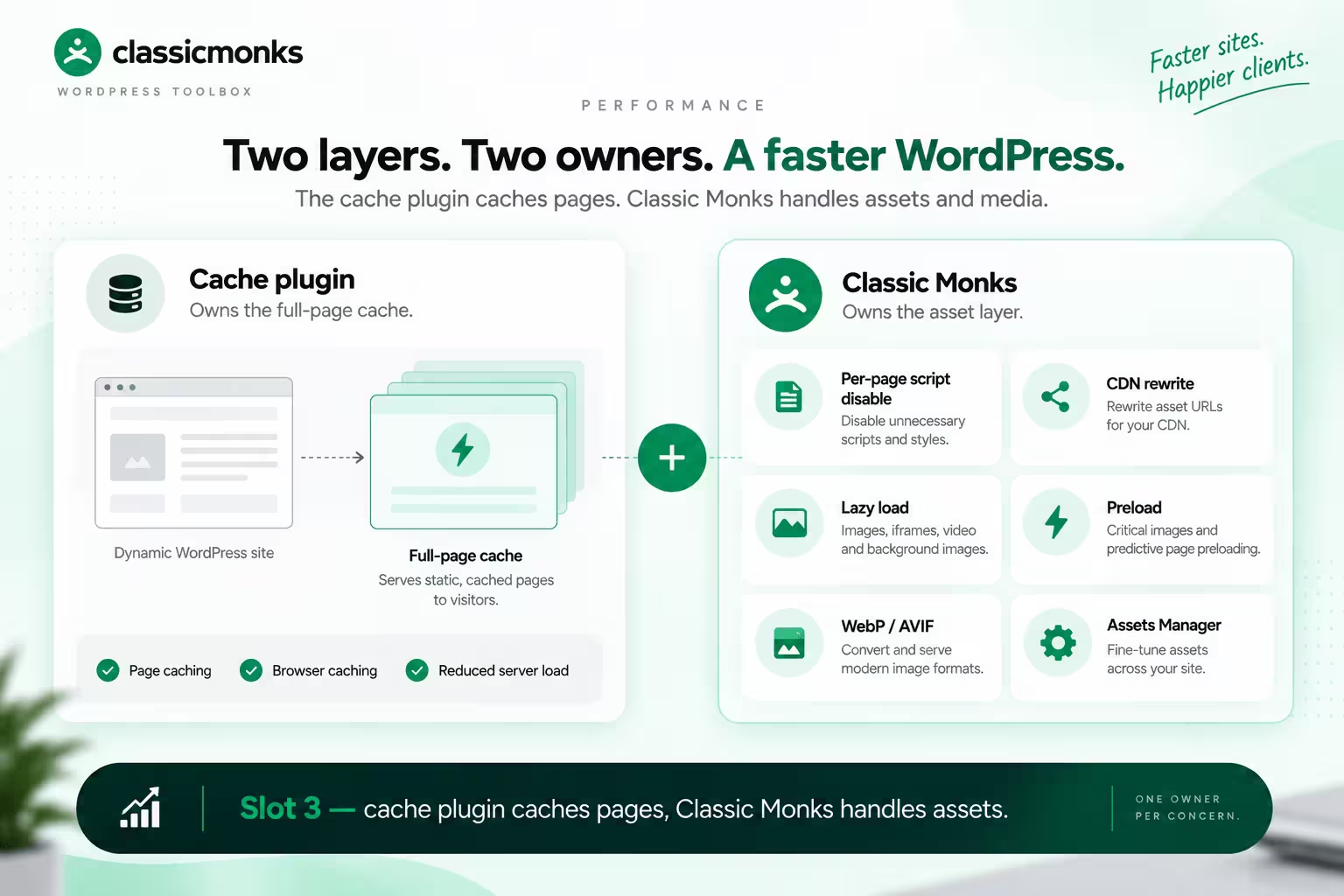
Two layers, two owners. The full-page cache belongs to a dedicated caching plugin; Classic Monks is not a caching plugin and does not claim the slot. Around the cache, Classic Monks covers the asset layer most agencies configure by hand: per-page script and style disabling through the Assets Manager, CDN rewrite, lazy loading for images, iframes, video, and backgrounds, critical-image preloading, predictive page preloading, and image conversion to WebP and AVIF. One owner per concern: the cache plugin caches pages, Classic Monks handles assets and media.
4. Admin cleanup: one consistent backend for clients

Clients judge the site by the dashboard they inherit. The repeatable setup: a trimmed admin menu and toolbar, silenced plugin notices, removed dashboard widgets, organized list columns, content duplication for editors, and login-page branding so the handover looks like the agency’s work. Classic Monks earns this slot with the Admin Menu Manager, Top Toolbar Manager, Admin Notices Manager, Remove Dashboard Widgets, Admin Columns Manager, content duplication, post-type and taxonomy switchers, and the Folder Manager for media.
5. Consolidation: one plugin instead of a dozen utilities
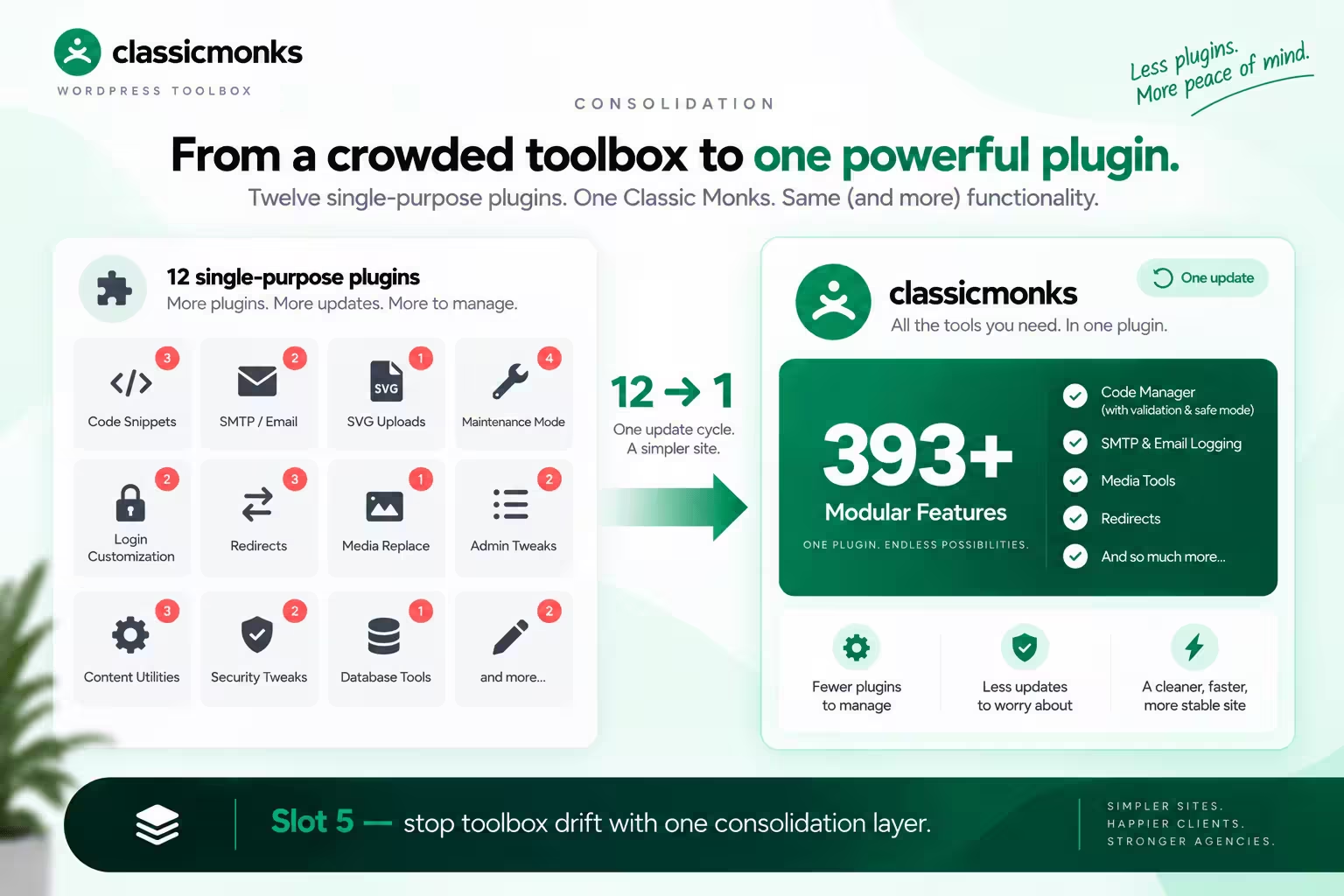
This is the slot that keeps the toolbox from becoming the problem. Code snippets, SMTP delivery, SVG uploads, maintenance mode, login customization, redirect rules, media replacement, and small content utilities each attract their own single-purpose plugin, and ten of those is how a client site ends up with forty plugins. Classic Monks earns this slot as the consolidation layer: Code Manager with validation, safe mode, and fatal-error recovery, SMTP and email logging, media tools, redirects, and 393+ modular features in one install with one update cycle. When the toolbox itself gets bloated, see our full all-in-one ranking for how consolidation compares to keeping a stack.
How the five slots fit on one site
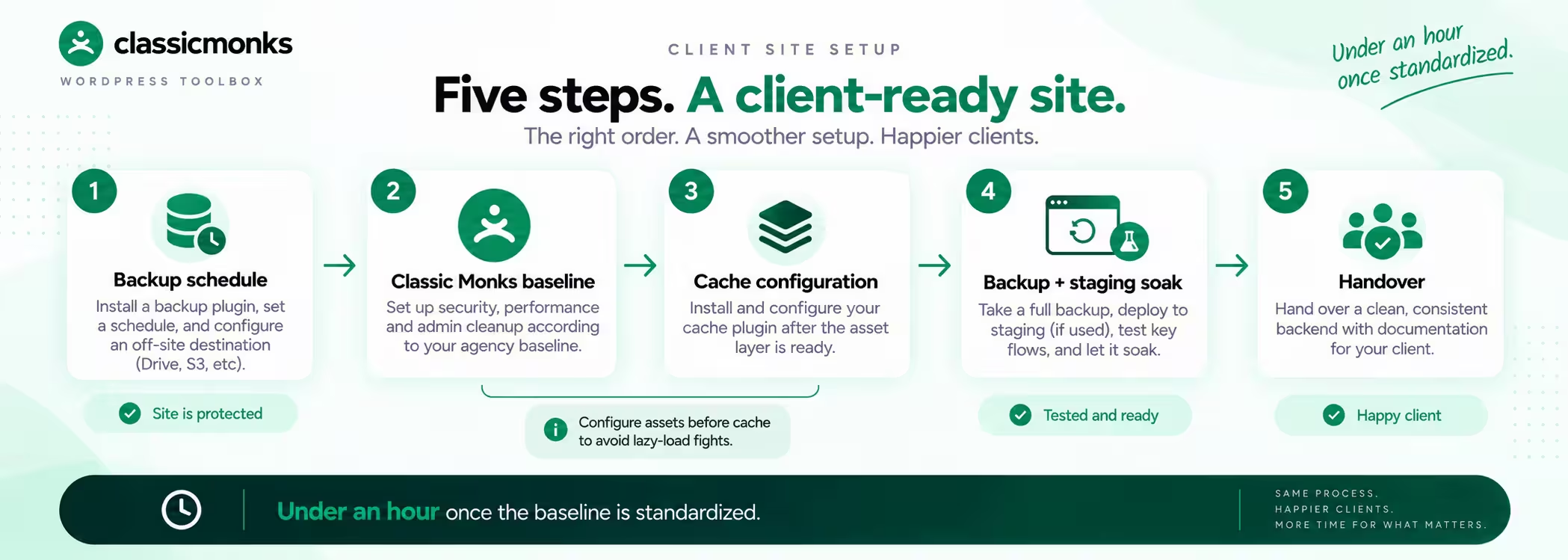
A fresh client install, in order: backup plugin first with a schedule and an off-site destination; Classic Monks second, with the security tab, performance tab, and admin cleanup enabled per the agency baseline; a cache plugin third, configured after the asset layer so the two do not fight over lazy loading or preloading; then a full backup, a staging soak, and handover. The whole sequence takes under an hour once the baseline is standardized, and every site after the first reuses it.
What this toolbox deliberately leaves out
Page builders, SEO plugins, form builders, and WooCommerce extensions are client-specific, not base-stack. A brochure site and a store do not share those, so they do not belong in the repeatable list. Classic Monks covers WooCommerce operations and Bricks Builder features when the client needs them (see the feature library), but those are per-project decisions on top of the five-slot base.
Also left out: anything Classic Monks cannot honestly cover. Full-site backup stays with a backup plugin. Full-page caching stays with a cache plugin. Form building stays with a form builder. The toolbox works because each slot has exactly one owner that actually does the job.
Classic Monks pricing for the toolbox math
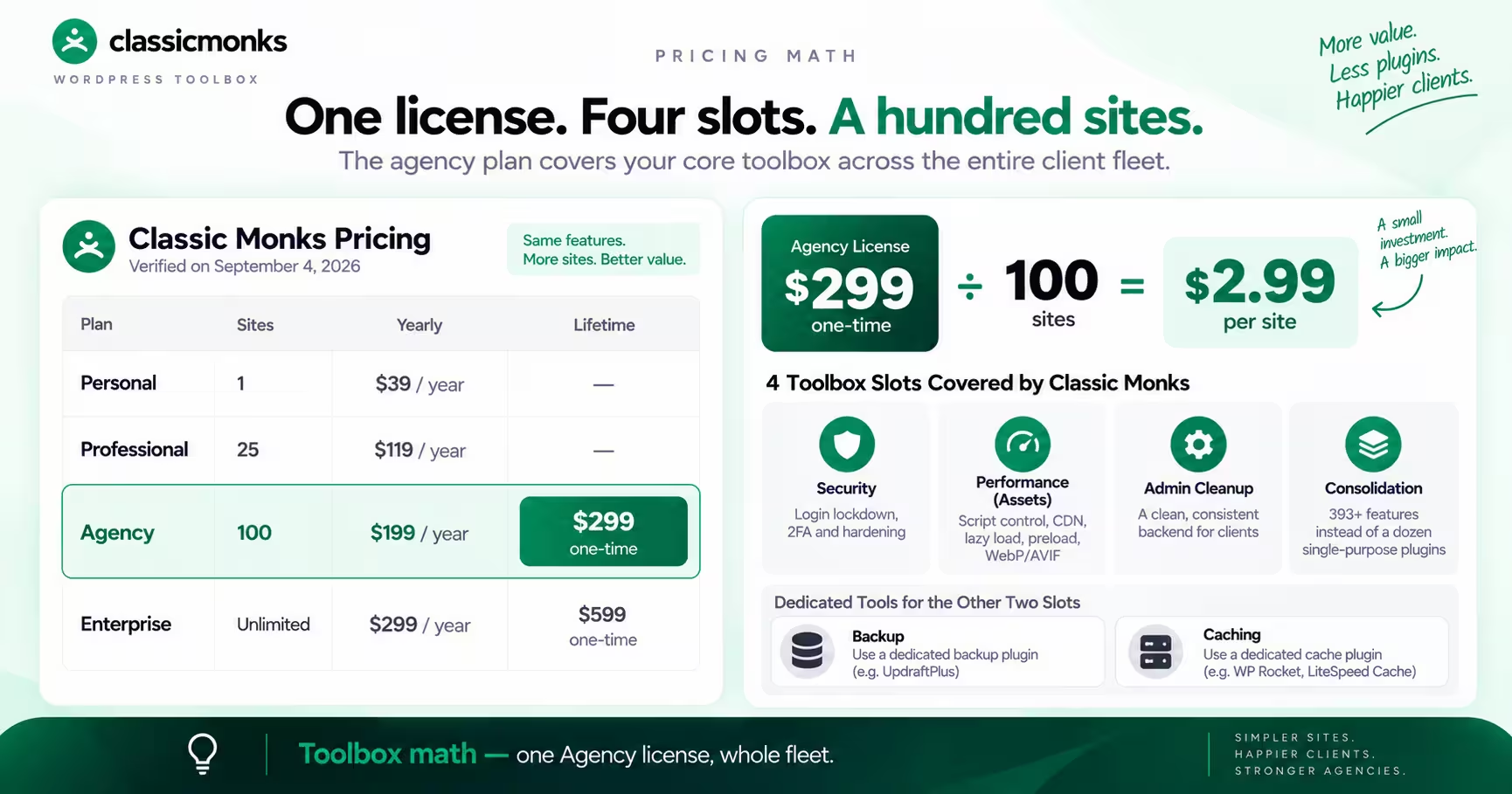
Pricing changes, so these are the values verified on September 4, 2026 on the Classic Monks pricing page.
| Plan | Sites | Yearly | Lifetime |
|---|---|---|---|
| Personal | 1 | $39/year | Not listed |
| Professional | 25 | $119/year | Not listed |
| Agency | 100 | $199/year | $299 one-time |
| Enterprise | Unlimited | $299/year | $599 one-time |
For the toolbox math, the relevant number is Agency at $299 one-time for 100 sites: one license covers the security, performance-asset, admin, and consolidation slots across the whole client fleet, while backup and caching keep their own dedicated (often free) tools. Try the zero-install demo before standardizing the baseline.

Add your first comment to this post