




Why You Need It
Backing up your Classic Monks settings ensures you can restore them if the site is hacked or the plugin is reset.
How to Use This Feature
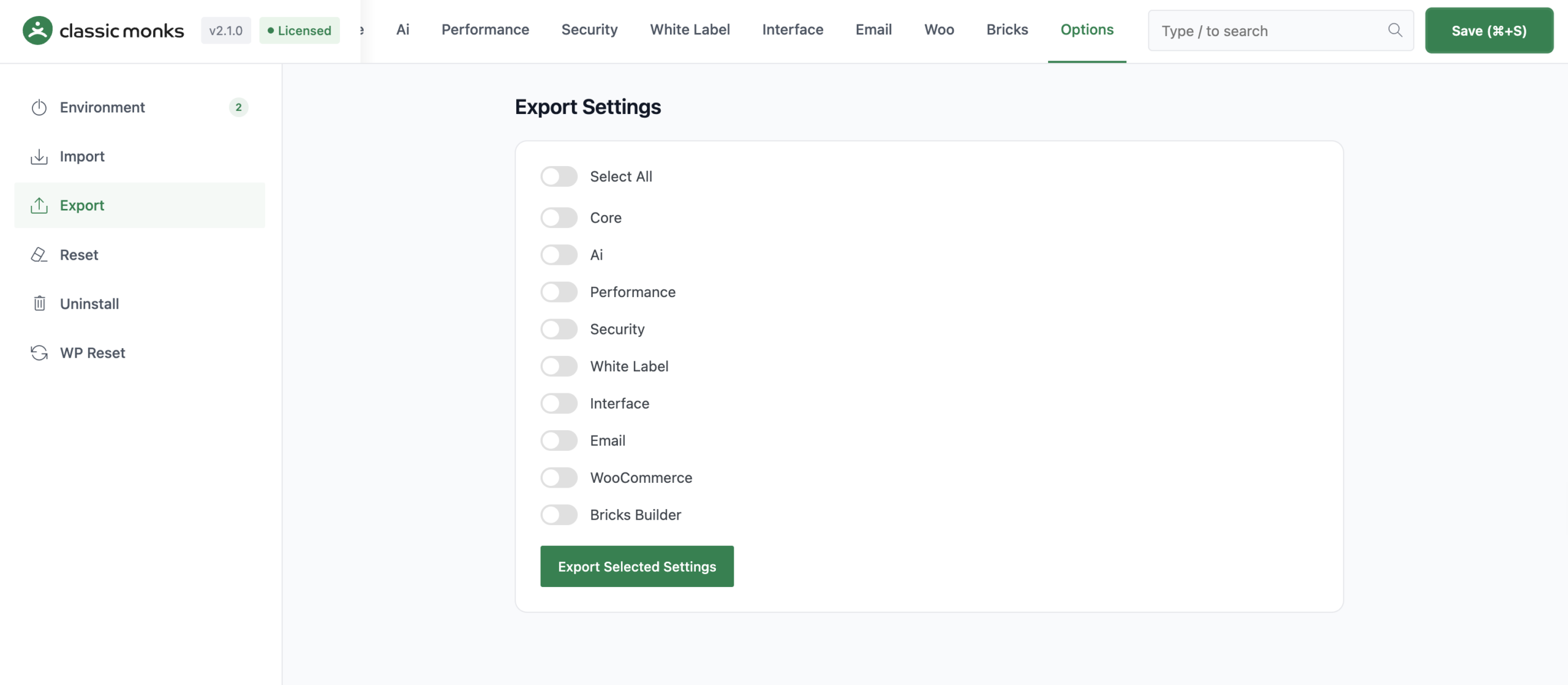
Step 1: Navigate to Settings
Click into the Classic Monks plugin settings, then the Options tab.
Step 2: Select the Feature
Click the relevant subtab and follow the on-screen instructions.
Common Use Cases
Site migration
When migrating a Classic Monks configuration to a new site, use Export on the old site and Import on the new site.
Clean start
If the configuration is broken, use Reset to restore defaults. For a completely clean slate, use Uninstall.
License management
Keep your license key active for updates and support. Deactivate before migrating to a new domain.
Developer integration
The Options tab provides programmatic access to settings via core functions.
Settings functions:
cm_get_option( $key, $default )retrieves a setting value from thecm_optionstablecm_update_option( $key, $value )saves a setting valuecm_import_settings( $settings_array )imports settings from an array
WP Reset hooks:
wp_ajax_cm_reset_databasehandles database reset requestswp_ajax_cm_delete_contenthandles content deletionwp_ajax_cm_empty_wp_contenthandles emptying wp-contentwp_ajax_cm_delete_pluginshandles plugin deletionwp_ajax_cm_delete_themeshandles theme deletionwp_ajax_cm_complete_resethandles complete reset
White Label hooks:
all_pluginsfilter modifies plugin data displayplugin_row_metafilter modifies plugin row metadata

Add your first comment to this post