




Why You Need It
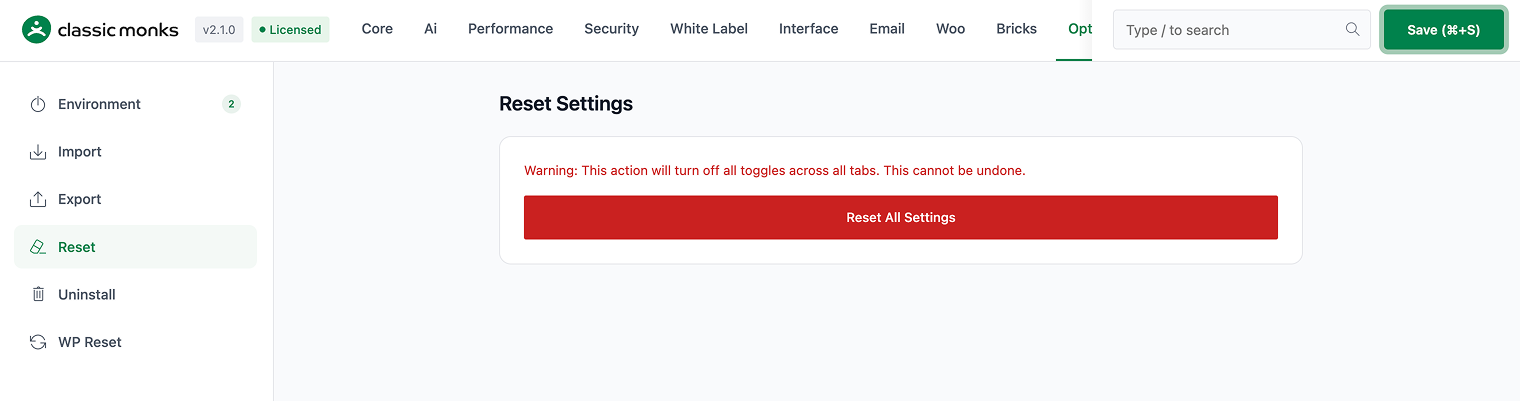
If your configuration is broken or you want to start fresh, resetting to defaults is faster than reinstalling the plugin.
How to Use This Feature
Step 1: Navigate to Settings
Click into the Classic Monks plugin settings, then the Options tab.
Step 2: Select the Feature
Click the relevant subtab and follow the on-screen instructions.
Common Use Cases
Site migration
When migrating a Classic Monks configuration to a new site, use Export on the old site and Import on the new site.
Clean start
If the configuration is broken, use Reset to restore defaults. For a completely clean slate, use Uninstall.
License management
Keep your license key active for updates and support. Deactivate before migrating to a new domain.
Developer integration
The Options tab provides programmatic access to settings via core functions.
Settings functions:
cm_get_option( $key, $default )retrieves a setting value from thecm_optionstablecm_update_option( $key, $value )saves a setting valuecm_import_settings( $settings_array )imports settings from an array
WP Reset hooks:
wp_ajax_cm_reset_databasehandles database reset requestswp_ajax_cm_delete_contenthandles content deletionwp_ajax_cm_empty_wp_contenthandles emptying wp-contentwp_ajax_cm_delete_pluginshandles plugin deletionwp_ajax_cm_delete_themeshandles theme deletionwp_ajax_cm_complete_resethandles complete reset
White Label hooks:
all_pluginsfilter modifies plugin data displayplugin_row_metafilter modifies plugin row metadata

Add your first comment to this post