




What Is the Disable Comments feature?
Disable Comments is a Classic Monks feature that uses a single toggle to suppress the entire WordPress comment system. Once enabled, the comment form does not appear on any post or page, new comment submissions are blocked at the server level, and comment-related admin UI elements (Discussion meta box, Recent Comments widget, comment counts in the post list) are hidden or removed.
Existing comments remain in the database but are not displayed on the front-end (unless the post’s comment status is manually set to “open” via direct database edit, which is rare).
Why You Need It
Many WordPress sites do not need comments:
- Business sites: Contact forms, not comment threads
- Portfolios: Showcase work, not solicit feedback via comments
- Landing pages: Conversion-focused, not discussion
- Documentation sites: Information delivery, not conversation
- Internal sites: Comments would be a security risk
Disabling comments in WordPress is awkward by default: you have to disable comments for each post type individually, then disable pings, then disable the comment form in your theme, then disable comment-related widgets, then block comment subscription emails. Disable Comments does it all with one toggle.
How to Use Disable Comments in Classic Monks
Step 1: Navigate to Settings
Click into the Classic Monks plugin settings in your WordPress dashboard.
Step 2: Go to the Content Subtab
Click on the Core menu, then click the Content subtab.
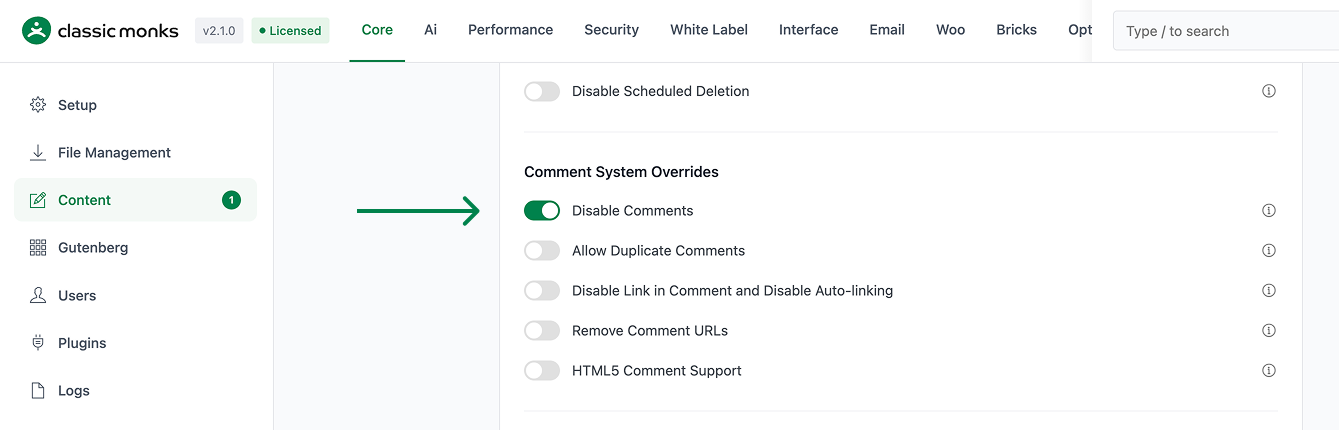
Step 3: Enable Disable Comments
Scroll to the Comment System Overrides section and toggle on Disable Comments.
Step 4: Save Changes
Click Save Changes.
Step 5: Verify
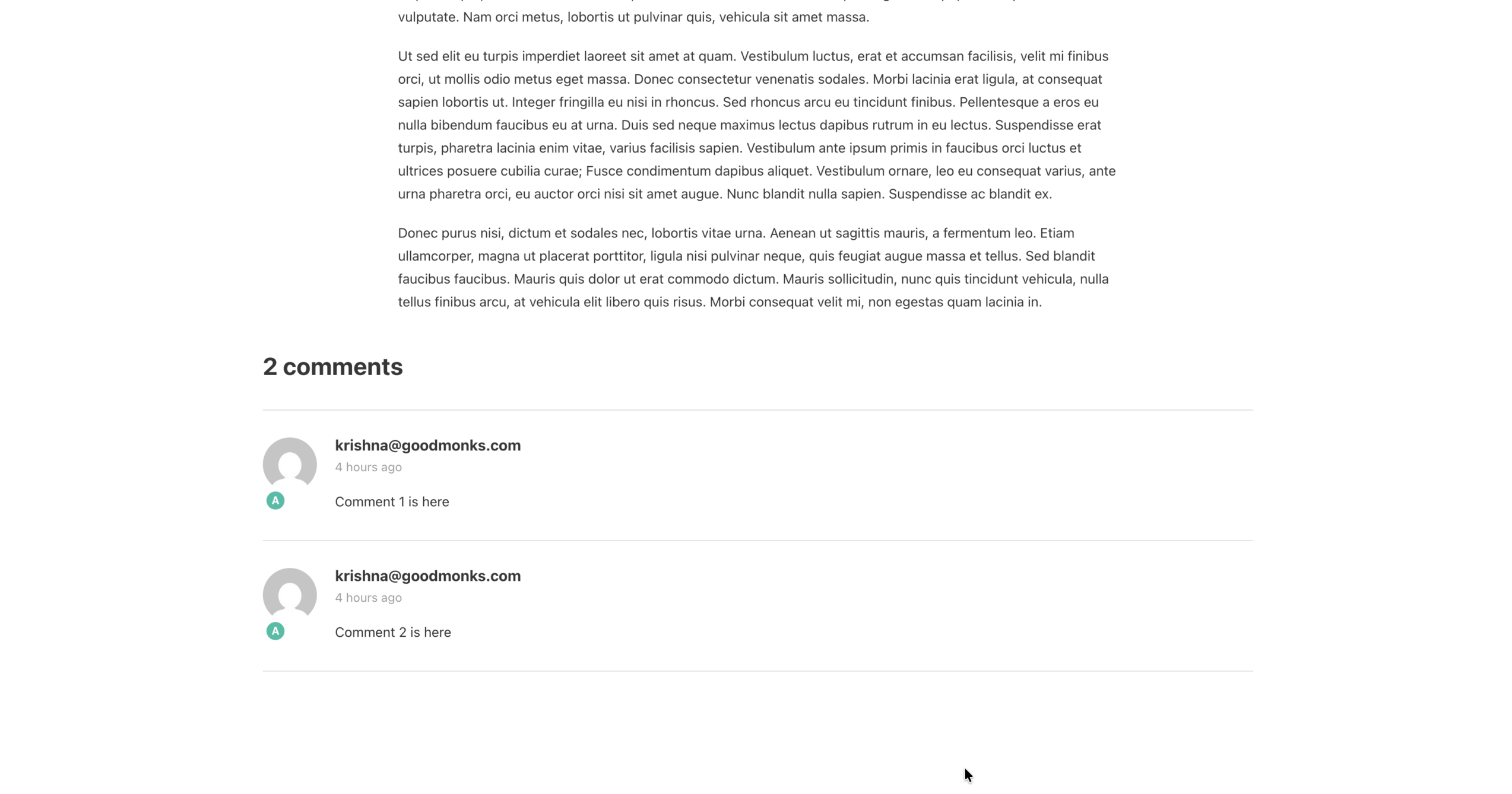
Open any post on the front-end. The comment form should not appear. Open a post edit screen in the admin. The Discussion meta box should be hidden or read-only.
Configuration Options
| Option | Description | Default |
|---|---|---|
| Disable Comments | Master toggle. Site-wide effect. | Off |
No nested options.
What Gets Disabled
| Element | Behavior |
|---|---|
| Comment form on posts/pages | Hidden |
| “Leave a Reply” heading | Hidden |
| Existing comments display | Hidden (unless manually set to open in DB) |
| New comment submissions | Blocked at the server level (returns 403) |
| Discussion meta box (post edit screen) | Hidden |
| Recent Comments widget | Hides the widget, but does not delete its configuration |
| Comment counts in post list | Hidden |
| Comment RSS feed | Disabled (returns 404) |
| Comment subscription emails | Stopped |
| Comment count in Activity dashboard widget | Hidden |
| “Comments” submenu in admin | Hidden |
| Existing comments in the database | Preserved (not deleted) |
What Does NOT Get Disabled
- Trackbacks and pingbacks from other sites: still accepted unless the related settings are also disabled
- WooCommerce product reviews: separate system, not affected (use WooCommerce settings to disable)
- bbPress or other forum plugin comment systems: not affected
Developer Notes
Disable Comments suppresses the entire WordPress comment system. No developer hooks are currently exposed.
Options used:
| Option | Type | Default |
|---|---|---|
disable_comments |
Boolean | false |

Add your first comment to this post