




What Is the Allow Performance Testing Tools feature?
When Staging Protection is enabled, the staging site is locked down: HTTP authentication, search engine blocking, etc. This is great for security, but it also blocks legitimate use cases like performance testing.
The Allow Performance Testing Tools feature whitelists the user agents of major performance testing services, so they can access the staging site without authentication.
Why You Need It
Performance audits are essential, even for staging sites:
- Pre-launch audits: Catch performance issues before the site goes live
- Comparison testing: Compare staging vs production performance
- Continuous monitoring: Set up automated performance monitoring on staging
- Client demos: Show clients the performance metrics before launch
Without this feature, you’d need to disable staging protection to run performance tests, which is risky.
How to Allow Performance Testing Tools in WordPress
Step 1: Navigate to Settings
Click into the Classic Monks plugin settings in your WordPress dashboard.
Step 2: Go to the Security Tab
Click on the Security menu, then click the Staging Protection subtab.
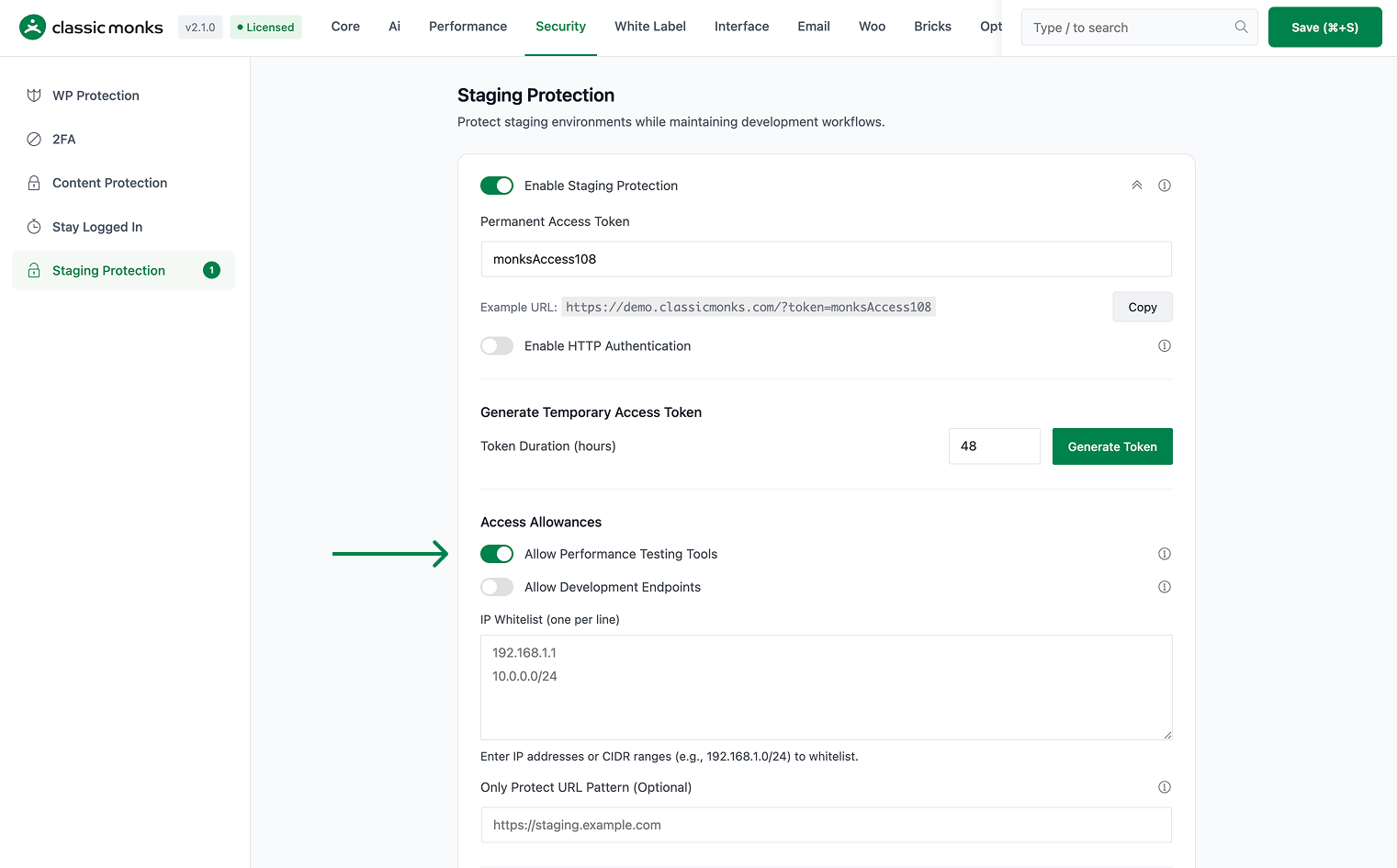
Step 3: Enable Allow Performance Testing Tools
Scroll to Allow Performance Testing Tools and toggle on.
Step 4: Save Changes
Click Save Changes.
Step 5: Test
Run a performance test on the staging site using a major tool (e.g., GTmetrix). The tool should be able to access the site without authentication.
Configuration Options
| Option | Description | Default |
|---|---|---|
| Allow Performance Testing Tools | Master toggle. | Off |
The whitelisted user agents are maintained by Classic Monks and updated as new tools emerge. To add custom user agents, add them to your server configuration.
What Gets Affected
- The staging protection: allows the whitelisted tools to bypass
- The performance testing: works on staging sites
- The user experience: performance tools can access the site
What Does NOT Get Affected
- The HTTP authentication: still applies to non-whitelisted users
- The search engine blocking: still applies
- The staging indicator: still shows
- The regular visitors: still need authentication

Add your first comment to this post