




What Does the Feature Do?
The Allow Reset Password Email option controls whether the WooCommerce customer reset password email stays active when the Disable WooCommerce Emails feature is turned on.
When you disable all WooCommerce emails, every WooCommerce email class is normally suppressed. If you also enable Allow Reset Password Email, the reset password email class is excluded from that suppression, so customers can still recover their accounts even though the other transactional emails are off.
Why You Need It
Account recovery is too important to lose:
- A customer who cannot receive a password reset email may lose access to their account and orders
- Disabling all emails can unintentionally break the password reset flow
- Keeping this one email active preserves security and self-service recovery
- It lets you quiet the rest of the transactional emails without a support burden
How to Keep the Reset Password Email When Other WooCommerce Emails Are Off
Step 1: Disable the Other WooCommerce Emails
- In WordPress admin, open Classic Monks > WooCommerce.
- Open the Email settings area.
- Toggle on Disable WooCommerce Emails to suppress the transactional email classes.
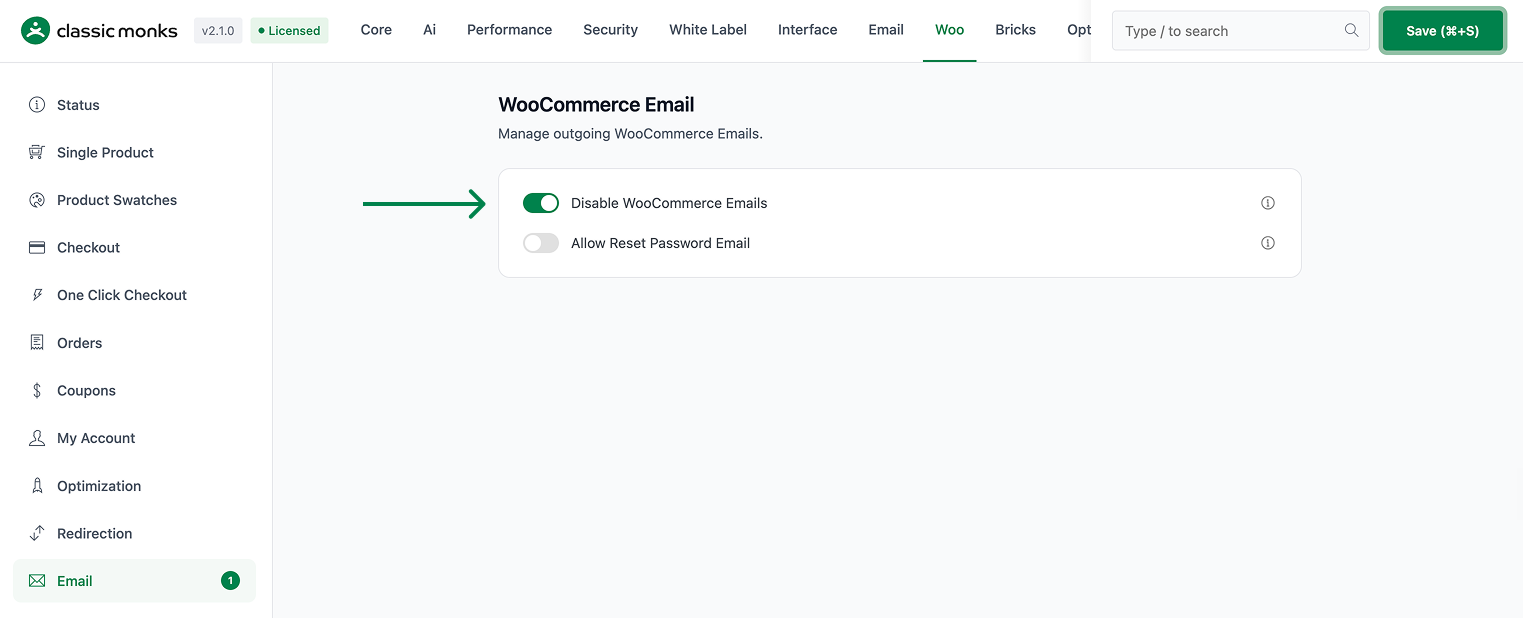
Step 2: Keep the Reset Password Email
- In the same Email settings area, toggle on Allow Reset Password Email.
- With both on, the reset password email class continues to work while the other WooCommerce emails are suppressed.
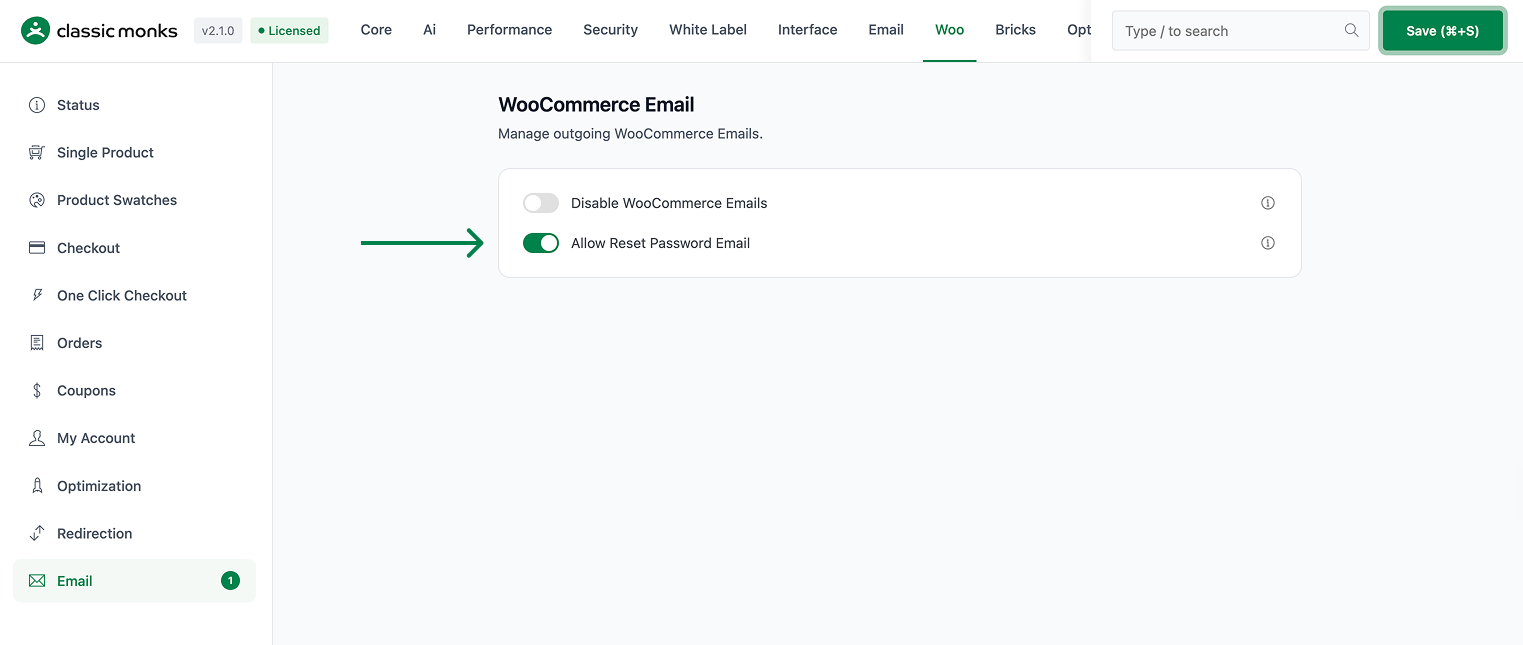
Step 3: Save and Test
Click Save Changes. Use the forgot-password flow at login and confirm the reset password email still reaches the customer, while other transactional emails (such as new-order notifications) are suppressed.
Configuration Options
| Option | Effect | Default |
|---|---|---|
| Disable WooCommerce Emails | Suppresses the WooCommerce transactional email classes. | Off |
| Allow Reset Password Email | Excepts the reset password email class from the suppression. | Off |
The option only matters when Disable WooCommerce Emails is also on. With the disable feature off, all emails send normally and this toggle has no visible effect.
What Gets Affected
- The customer reset password email: kept active when the disable feature is on and this toggle is enabled
- The other WooCommerce email classes: still suppressed by the disable feature
What Does NOT Get Affected
- WooCommerce’s other transactional emails when the disable feature is on: these remain suppressed
- On-screen checkout and order pages: unaffected
- WordPress core emails: separate, not controlled here
How It Works
The reset password email is kept alive inside cm_disable_woocommerce_emails(). When the disable feature runs, it iterates over the WooCommerce email classes and disables each one, but it skips the WC_Email_Customer_Reset_Password class when the Allow Reset Password Email option is enabled. The result is that only the reset password email survives the bulk suppression.
Common Use Cases
Quiet email flow with account security. Stores that want to stop most transactional emails but keep customer account recovery working.
Self-service support. Keeping password reset reduces customer support requests for locked accounts.
Controlled email rollouts. Using WooCommerce for emails while suppressing the extra transactional noise.

Add your first comment to this post